How to Set Up Call Routing for Multi-Office Firms
Multi-office call routing is a design job, not a configuration job, and firms get it wrong because they start in the admin panel instead of on a whiteboard. Get the flow right on paper first and the settings take an afternoon. Skip that step and you'll spend six months discovering, one annoyed client at a time, that calls to the satellite office ring forever on Wednesdays.
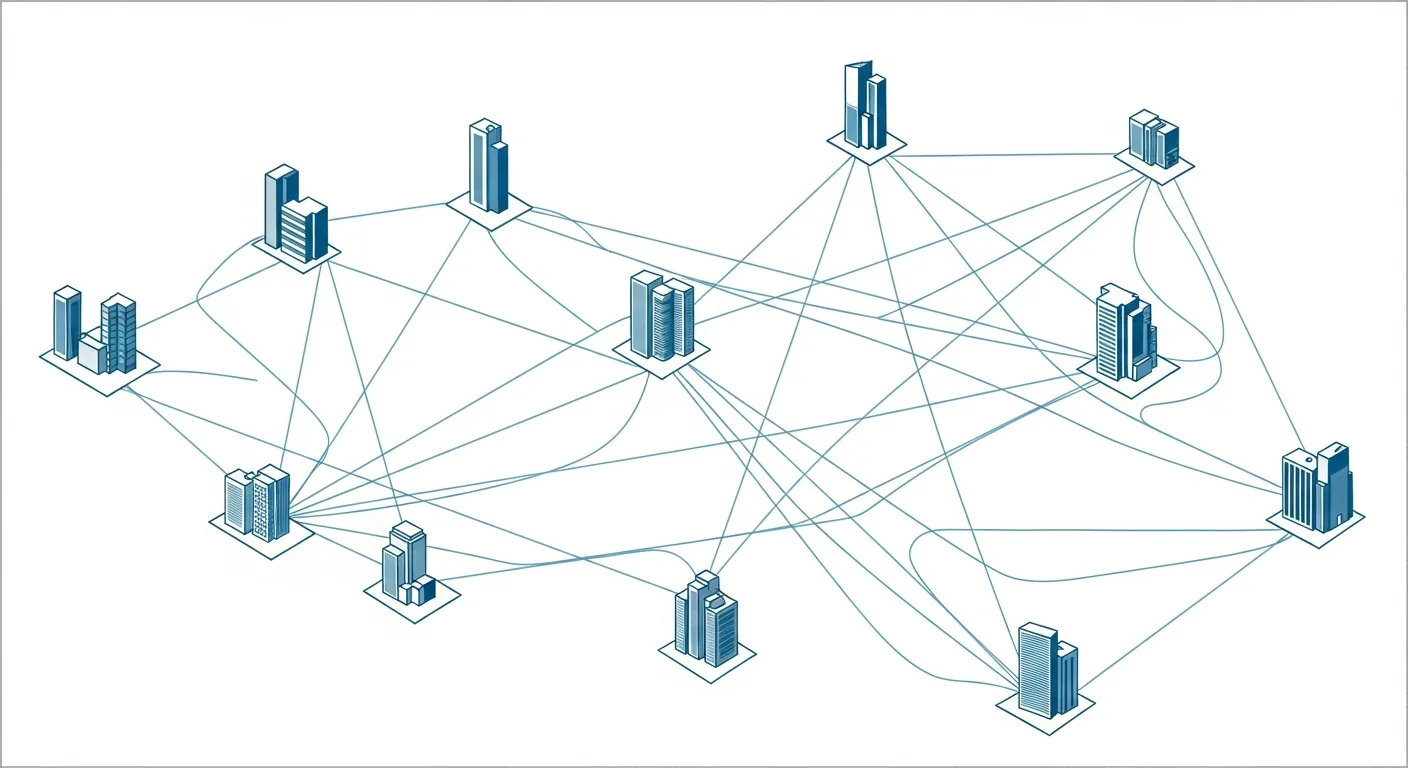
The goal is simple to state and surprisingly hard to achieve. A client calls any of your numbers and reaches the right person, without hearing the sentence "let me give you the number for our other office."
One system, or none of this works
Before anything else, all your locations need to be on the same phone system. If each office bought its own, from its own vendor, at a different time, you don't have a routing project. You have a consolidation project with a routing project behind it.
On a unified cloud system, an extension belongs to a person rather than a building. Transferring a call from downtown to the suburban office is the same three keystrokes as transferring across the hall, and the receptionist doesn't have to know where anyone physically sits. Firms still running separate legacy systems per site should read VoIP versus traditional phone systems first, because the consolidation is the actual project and the routing is the easy part afterward.
Map the flow before you touch a setting
Write this down. On paper, or a whiteboard, in a room with the people who answer phones.
Start with the main number. What happens when someone dials it? A live person, a menu, or a group of phones ringing at once? If one office has a receptionist and the other doesn't, does everything land at the staffed location first?
Then the failure paths, which is where routing designs actually live or die. When the first destination doesn't pick up, where does the call go? After how many seconds? And when that second destination doesn't pick up either?
Then the schedule. Do all locations keep the same hours? Different time zones? Does the East Coast office's evening get covered by the West Coast office still being open, or does everyone roll to the same after-hours plan?
Then the local numbers. When someone dials the satellite office directly, should that always ring locally, or should it hunt across every location for whoever is free?
An hour on that whiteboard saves a week of trial and error. Nobody ever budgets the hour, by the way.
Groups, and knowing which kind you want
Within each location you're choosing between two behaviors, and the choice matters more than it sounds.
A ring group rings several phones at once and the first person to grab it wins. Fast, slightly chaotic, right for new client calls where speed is the whole game.
A hunt group rings phones in sequence, trying one, then the next. Slower, more orderly, right for calls that should reach a specific person before falling back to their backup.
Most firms want both. Prospective client calls hit a ring group across every available body in every office, because a new inquiry shouldn't care about geography. Existing client calls hunt to their assigned professional first, then their assistant, then the front desk.
The menu, kept short on purpose
Every layer of an auto attendant costs you callers. That's the rule, and multi-office firms break it constantly, because they try to encode the org chart into the phone tree. Press one for the downtown office, press two for the west office, press three for tax, press four for audit, press five to hear these options again.
One level. Maybe two. And an escape to a human at every level. If you route by service rather than by building, callers get where they need to go without needing a map of your firm, which they don't have and shouldn't need. A well-built auto attendant makes a three-office practice sound like one front desk, which is precisely the illusion you're paying for.
Failover, layer by layer
Failover rules answer one question: what happens when the plan doesn't work? Write them as a chain.
The client calls their attorney's direct line. Four rings, no answer. It moves to the assistant. Four rings, no answer. It moves to the intake group across all offices. Nobody free. It goes to voicemail, and voicemail sends a notification to a person whose job includes returning it.
The failure everyone should design against is the call that just rings. Endlessly, into nothing, while a client decides what kind of firm this is. Every path in your flow should terminate somewhere a human eventually looks.
Presence, which prevents the worst transfer
Cloud systems know who is already on a call, who set themselves to do-not-disturb, and who hasn't touched a phone in three hours. Routing that respects that status skips people who can't answer instead of parking a client in their voicemail.
This is the single fix for the most annoying experience in professional services: being transferred with confidence to somebody who was never going to pick up. Turn it on. Then make sure people actually set their status, which is a training problem rather than a technology one, and the training problem is the harder of the two.
Time zones and the holiday nobody remembered
Time-based routing handles what people forget. If your East office closes at five Eastern and your West office runs until five Pacific, those three hours are free coverage sitting on the table. Route them.
Then load the holiday calendar for the whole year in one sitting. Every firm has a story about the Monday morning when clients called and heard a Christmas greeting, and every one of those stories exists because a person was supposed to remember to change something.
Voicemail that ends up in the right place
For multi-office firms this is where messages disappear. Somebody leaves a voicemail at the downtown office for an attorney who works out of the other one, and it sits in a box nobody checks.
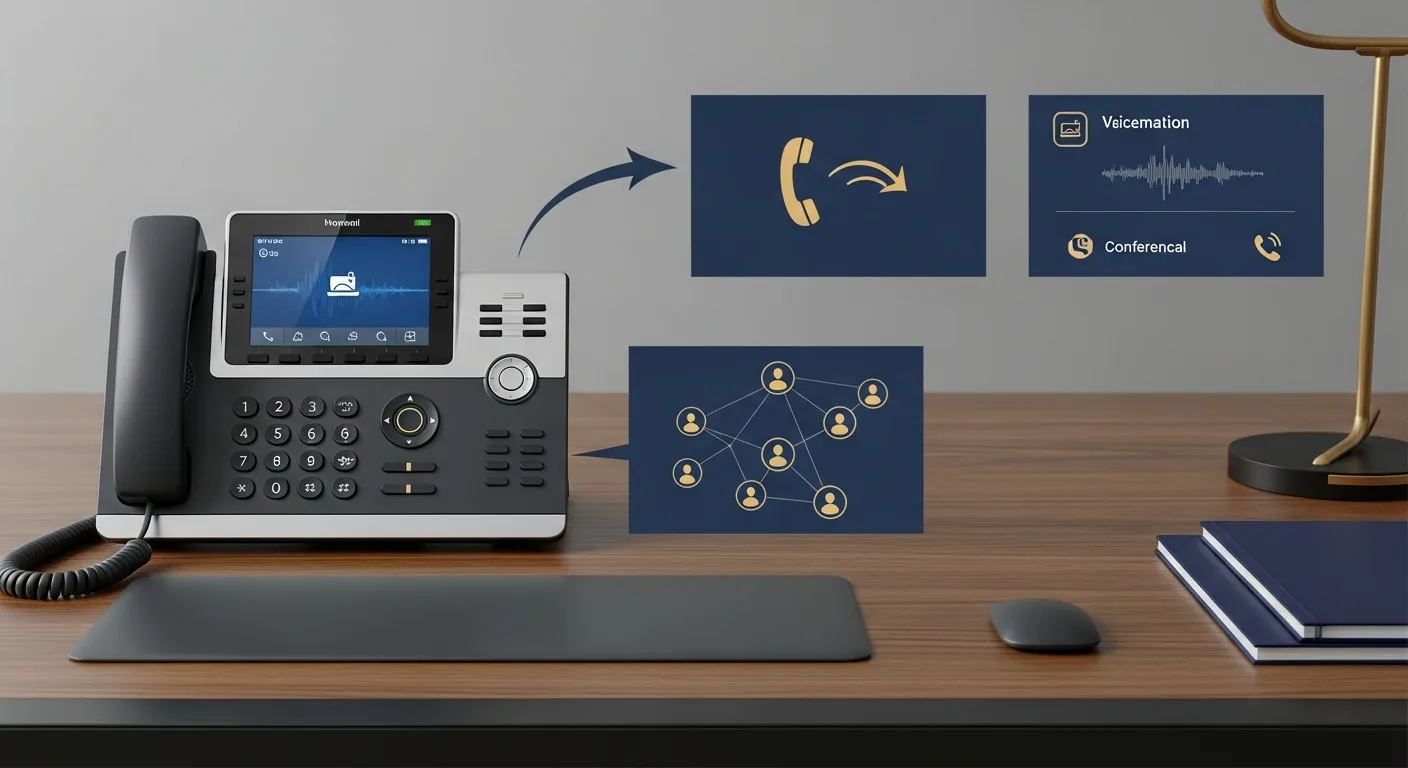
Transcribed voicemail delivered to email fixes it structurally rather than procedurally. The message goes to the person, not the building. They read it between meetings and call back from their mobile app with the firm's number showing.
Test it like a client, not like an admin
After configuration, call every number you own from a phone that isn't on your system. Then have someone outside the firm do the same, because they'll do things your staff would never think to do.
Test during business hours and after. Test one office closed. Test failover by having somebody deliberately not answer. Test a transfer between locations, and check whether the caller hears silence or hold music, because silence makes people hang up. Test the main number while every line is deliberately busy.
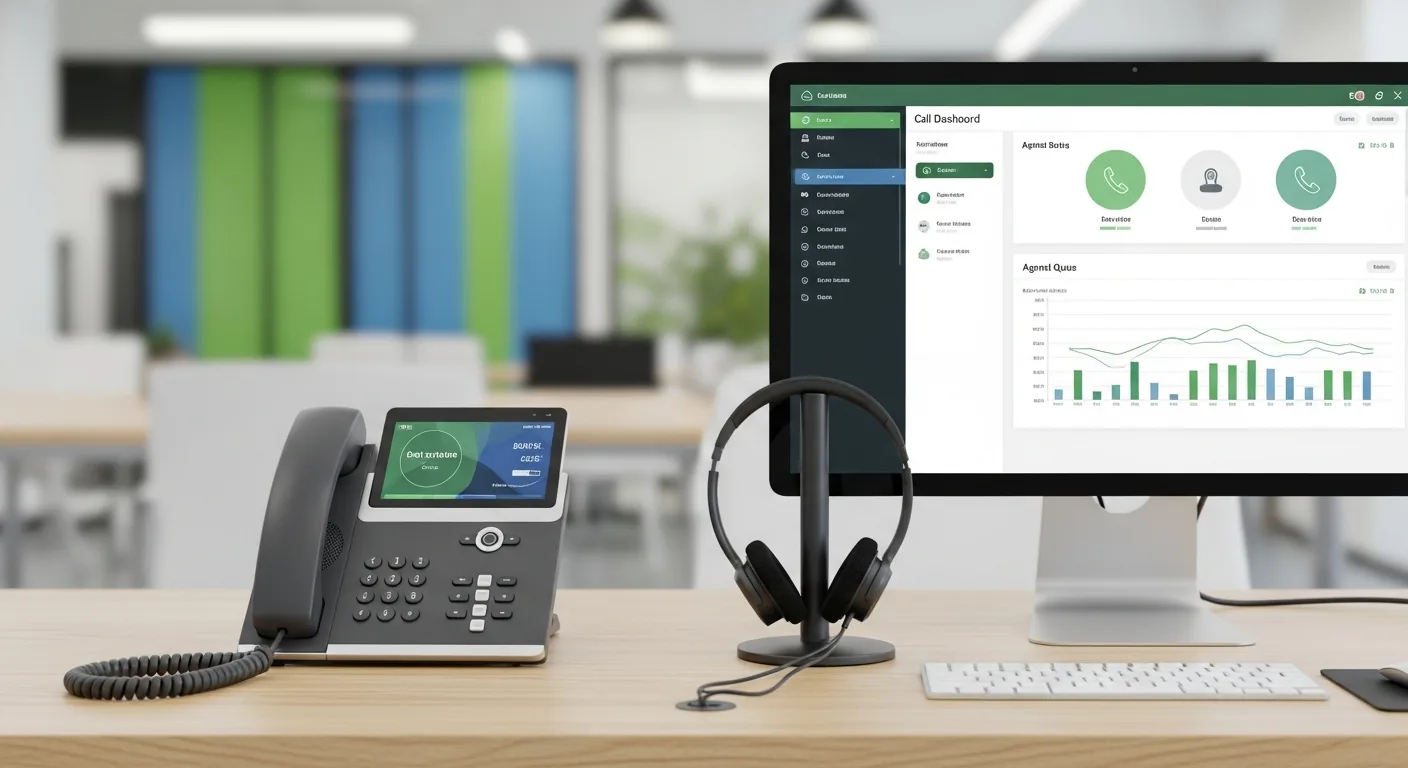
Then check the reports monthly. Missed call rate by location, transfer counts, hold times. If one office is losing more calls than the others, that's either a staffing gap or a routing rule with a wrong number in it, and the data will tell you which. There's more on reading those numbers in call recording and analytics, and the feature-by-feature version of this for legal practices is in phone system features law firms need.
Routing isn't set-and-forget. It drifts every time somebody joins, leaves, or changes offices. Put a twenty-minute review on the calendar quarterly and it stays honest.
For the complete picture on building a phone system across locations, start with our guide to business phone systems.