How to Move Your Office Phone System to the Cloud
Moving your office phone system to the cloud is a two-week project with exactly one step that can genuinely hurt you, and it isn't the one people worry about. Number porting is the risky part, and the risk is entirely about sequence: cancel the old service before the numbers finish moving and you can lose them permanently. Everything else in a cloud phone migration is scheduling, testing, and about an hour of training.
Firms delay this for years out of a vague sense that it's dangerous. It's mostly just tedious. Here's the order.
First, write down what you actually have
Before you can move a phone system you need an inventory of the one you're leaving, and most firms don't have one.
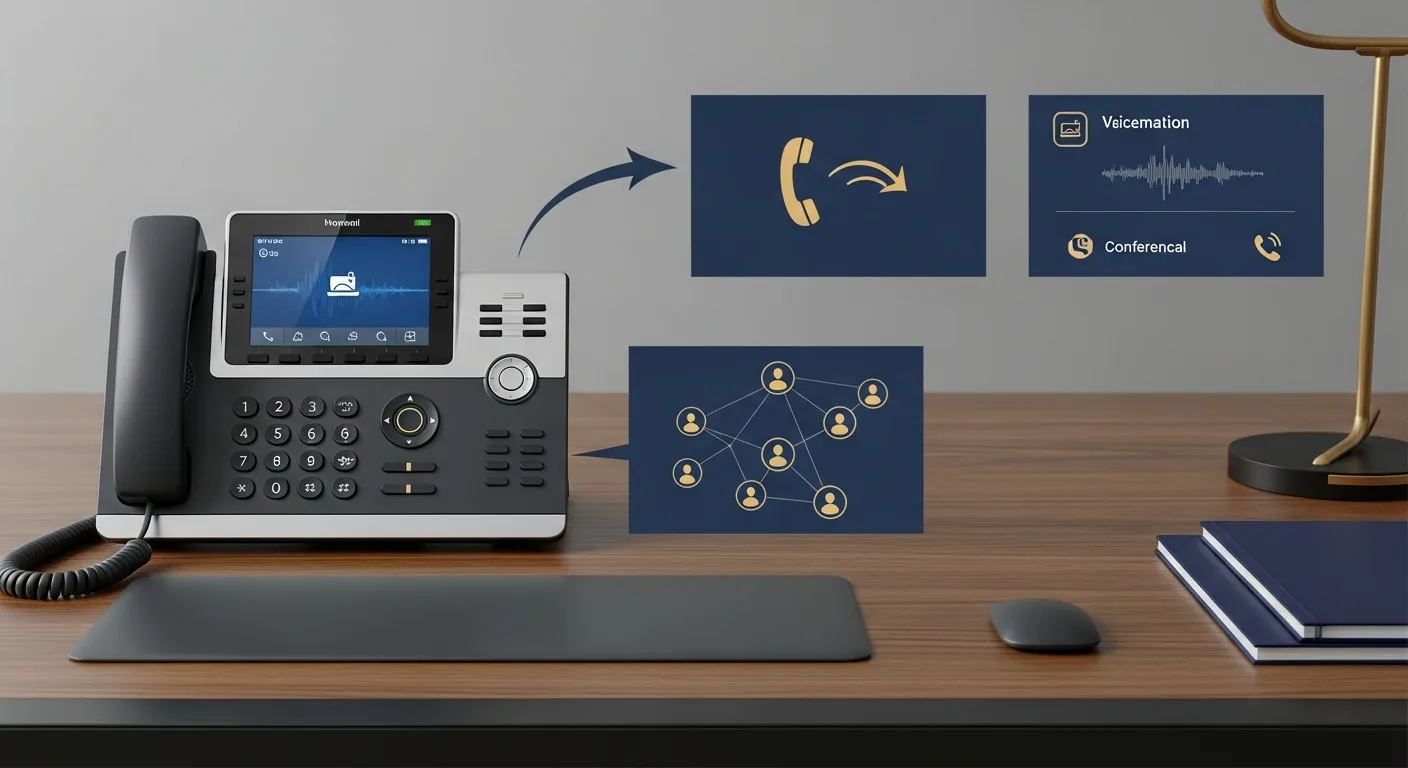
Count the lines you pay for and the extensions actually in use, which are usually different numbers by a surprising margin. List every feature in real use: auto attendant, voicemail, recording, conferencing, the hunt group somebody built in 2016. Pull twelve months of invoices and add up the true monthly cost including maintenance, long distance, and the regulatory line items nobody reads. Then find your contract and check the termination terms and dates.
While you're there, write down what the current system can't do that annoys people. That list is your requirements document, and it's more useful than any vendor's feature comparison because it's about your firm.
Second, check whether your internet can carry it
Voice over the internet needs upload bandwidth, low jitter, and a router that knows voice traffic should go first.
Run a speed test during your busiest hour rather than at 7am when the office is empty. Confirm your router supports quality-of-service rules and that somebody knows how to configure them. If the connection is marginal, fix that before the migration rather than after, because every call quality complaint in the first month will get blamed on the new phones regardless of the actual cause.
For firms where the phone is the business, a second connection for failover is worth costing out now. It's the cheapest insurance in the project.
Third, pick a provider, using the boring criteria
The evaluation criteria that matter are covered in detail in what to look for in a business phone system, and the comparison against what you're leaving behind is in VoIP versus traditional phone systems. The short version: uptime in writing, with 99.99% as the number to hold out for, support that answers a phone, integrations that are native rather than duct tape, and contract terms that don't lock you in for three years.
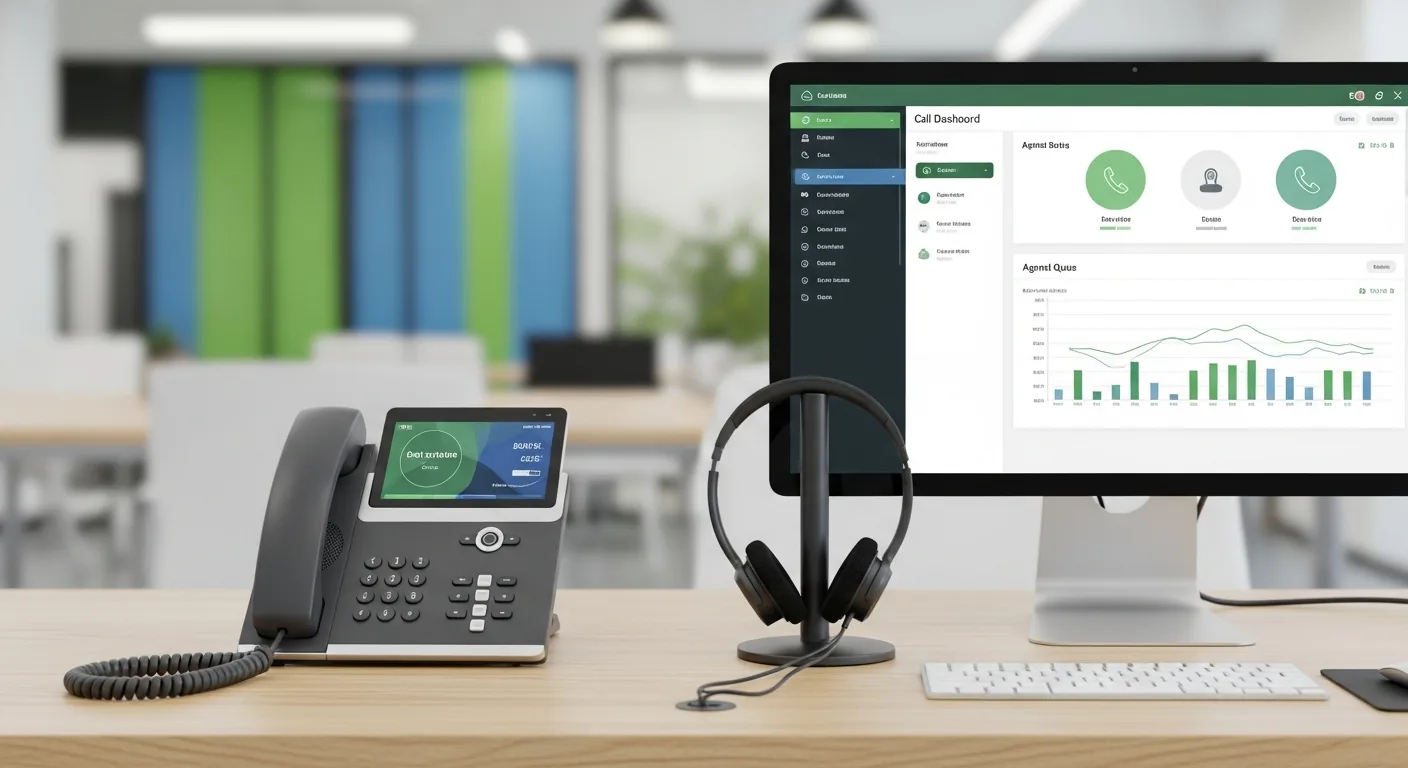
Trial two providers with real people on your real network before choosing. A demo on a vendor's pristine setup proves nothing about a Tuesday in your office. A cloud PBX is the piece doing the work here, and the difference between a good one and an adequate one shows up in the small stuff: how transfers behave, whether the mobile app survives a wifi handoff, how long it takes a non-technical person to record a new greeting.
Fourth, start the port early and leave the old service alone
Your numbers are on business cards, directory listings, the sign, and every client's contacts. You're keeping them.
Porting moves them from the old carrier to the new one. It's a standard process that typically takes 7 to 14 days. Your new provider handles the paperwork, but you'll need to supply a letter of authorization and a recent bill showing the exact numbers and the exact account name. The most common cause of a delayed port is a mismatch between what's on the paperwork and what's on the old account, down to whether it says "and" or an ampersand. Check that before submitting.
Then the rule that matters more than anything else in this article. Do not cancel the old service until the port is complete and confirmed. Not the day before. Not the same morning. Canceling first can release the numbers back into the pool and they may not come back.
Fifth, build the new system while you wait
The porting window is dead time, so use it. Configure users and extensions. Record the greetings, using someone who sounds like your firm rather than whoever is nearest the microphone. Set up ring groups and failover chains. Load the voicemail boxes, holiday schedules, and after-hours rules. Connect the practice management or CRM integration. Install the mobile app on everyone's phone.
This is also your one chance to fix the call flow rather than reproduce it. Most firms copy their old routing exactly, including the compromises the old hardware forced on them, and then live with those compromises for another decade. Take the afternoon and redesign it properly, especially if you have more than one location, where the design work is genuinely worth doing on a whiteboard first. The walkthrough is in call routing for multi-office firms.
Sixth, decide about hardware
Some firms replace every desk phone. Some go entirely to softphones and headsets and never buy a handset again. Most end up in between: desk phones at the front desk and in conference rooms, apps for everyone else.
If you're buying phones, most providers ship them preconfigured so they work when plugged in. If you're keeping existing handsets, check compatibility before assuming. Standard SIP phones usually carry over. Proprietary ones from the old vendor usually don't, and finding that out on cutover day is a bad afternoon.
Seventh, train people, properly
Half an hour, hands on, in small groups. Not a slide deck.
Cover the six things people do daily: making and answering calls, blind and warm transfers, voicemail, the mobile app, conferencing, and setting presence status. Then leave a one-page reference at every desk. The firms that skip training end up with staff inventing workarounds, and the most common workaround is giving clients a personal mobile number, which undoes a good chunk of why you switched.
Eighth, run both systems, then cut over on a Friday
Parallel operation is the safety net. The old system keeps taking calls while you test the new one from the inside.
Test everything an outside caller would do. Call the main number and every direct number from a phone that isn't on your network. Transfer between people and locations. Leave voicemails and confirm the transcripts arrive. Try the auto attendant while pressing nothing, which is what a third of callers do. Make sure a call to a busy line goes where you intended.
Then cut over on a Friday afternoon, when the stakes are lowest and you have a weekend to catch anything odd. Have your provider's support line open during the switch. Verify inbound and outbound on every number before anyone goes home.
And do this in a quiet month. Not January, not the first two weeks of April. Every horror story about phone migrations in professional services starts with somebody deciding to do it during their busy season.
Ninth, shut the old thing off
Two weeks after go-live, once nothing has surprised you, cancel the old service and return leased equipment. Then check your next two invoices, because carriers have a way of continuing to bill for lines that no longer exist.
Update the phone numbers anywhere they're displayed. If you ported, they haven't changed, but this is a good moment to notice that your directory listings disagree with each other.
What it feels like afterward
Anticlimactic. Which is the point. The phones ring, the greetings play, the app works from a client's parking lot, and the closet where the PBX lived becomes storage. The most common comment from firms a month later is some version of wondering what they were so worried about.
For the complete picture on choosing and running a modern phone setup, start with our guide to business phone systems.