What to Look for in a Business Phone System
Choosing a business phone system comes down to two questions that never appear in the comparison chart: does it ring reliably, and can your team use it without calling for help? Every provider's feature list looks roughly the same because they've all copied each other for a decade. The differences that decide how you feel about it in year two are reliability, usability, and support, and none of those photograph well on a website.
So here's the evaluation in the order it actually matters, rather than the order it gets presented.
Reliability, and how to check it rather than take their word
Your phone system has to ring. That sounds too obvious to write down until you've had the week where it didn't.
Ask for the uptime guarantee in writing, and 99.99% is the number to hold out for. Then ask the follow-up questions that separate real answers from marketing. Where are the data centers, and what happens when one fails? What was your last significant outage and how long was it? Is there a status page with history on it, or does history quietly disappear?
For a cloud system, half of reliability is on your side of the wire. If your office internet drops twice a month, no provider can save you. Before signing anything, look at your connection during your busiest hour, confirm your router supports quality-of-service rules that prioritize voice, and in offices where the phone is genuinely the business, budget for a backup connection. Cheaper than the alternative, which is a silent phone during your busiest week.
Call quality, which is mostly a network conversation
Clients should hear a clear line. No echo, no clipping, no half-second delay that makes everyone talk over each other.
Modern systems all use HD codecs, so the audio ceiling is high. What varies is what happens between your desk and their network. Upload bandwidth is the usual culprit, since a simultaneous call consumes a small but real slice of it and offices tend to have far less upload than download. Ask a prospective provider what they recommend for your headcount, then verify your connection can carry it with room left over.
Test with real people before you commit. Not a demo call from the provider's pristine environment. Your team, your network, on a Tuesday.
The greeting, kept humane
A caller's first four seconds set the tone for the whole relationship. A professional auto attendant answers immediately, gives two or three options, and gets people to a human fast.
The failure mode is depth. Every menu layer sheds callers, and firms build deep trees because it feels organized. It isn't organized to the person holding the phone. One level, two at most, always with a path to a person. If a caller says nothing at all, the call should land somewhere staffed rather than looping the menu again.
Transfers that don't drop people
Client-facing teams transfer constantly. Front desk to attorney, partner to associate, preparer to the payroll person.
Both kinds have to work cleanly. Blind transfers, where you send the call and hang up. Warm transfers, where you speak to the recipient first and then connect. What you're testing for during a trial is whether the caller ever gets dropped, ever hears silence long enough to assume they've been forgotten, and whether a transfer that fails comes back to the person who made it instead of vanishing.
Do this ten times during your evaluation. Every provider says transfers work. Not every provider's transfers work.
Mobile that isn't an afterthought
Professionals are away from their desks constantly. The mobile app is the phone system for a meaningful share of your team, so evaluate it like one.
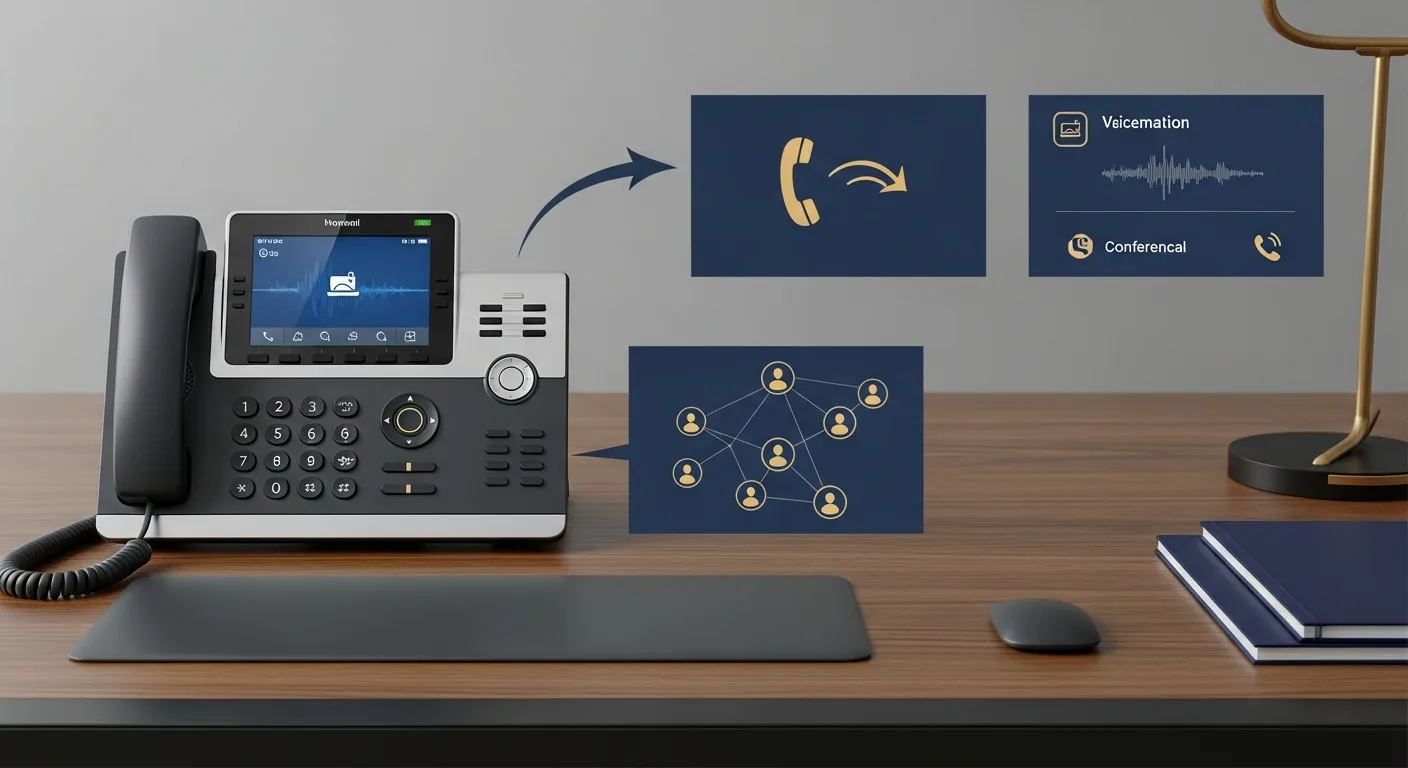
It should make calls from the business number, receive anything sent to the extension, handle transfers, reach voicemail, and join conferences. Install it on an actual phone during the trial and use it for a week. Some apps are excellent. Some drain a battery by lunchtime and drop calls when the phone switches from wifi to cellular, and you will only discover which kind you bought by using it.
Knowing who's calling before you answer
Integration with your CRM or practice management system turns a cold pickup into a warm one. The caller's name, their matter or account, and the last note on it appear on screen while the phone is still ringing.
Ask specifically whether the integration is native or requires a middleware subscription somebody has to maintain. There's a meaningful difference between "we integrate with Clio" and "there's a Zapier recipe that mostly works."
Recording and reporting, chosen deliberately
Recording protects you in a fee dispute and teaches new hires faster than any script. What matters is that it's easy to turn on, stored encrypted, searchable by date and caller, and governed by a retention rule you set once. Disclosure should play automatically, since consent law varies by state.
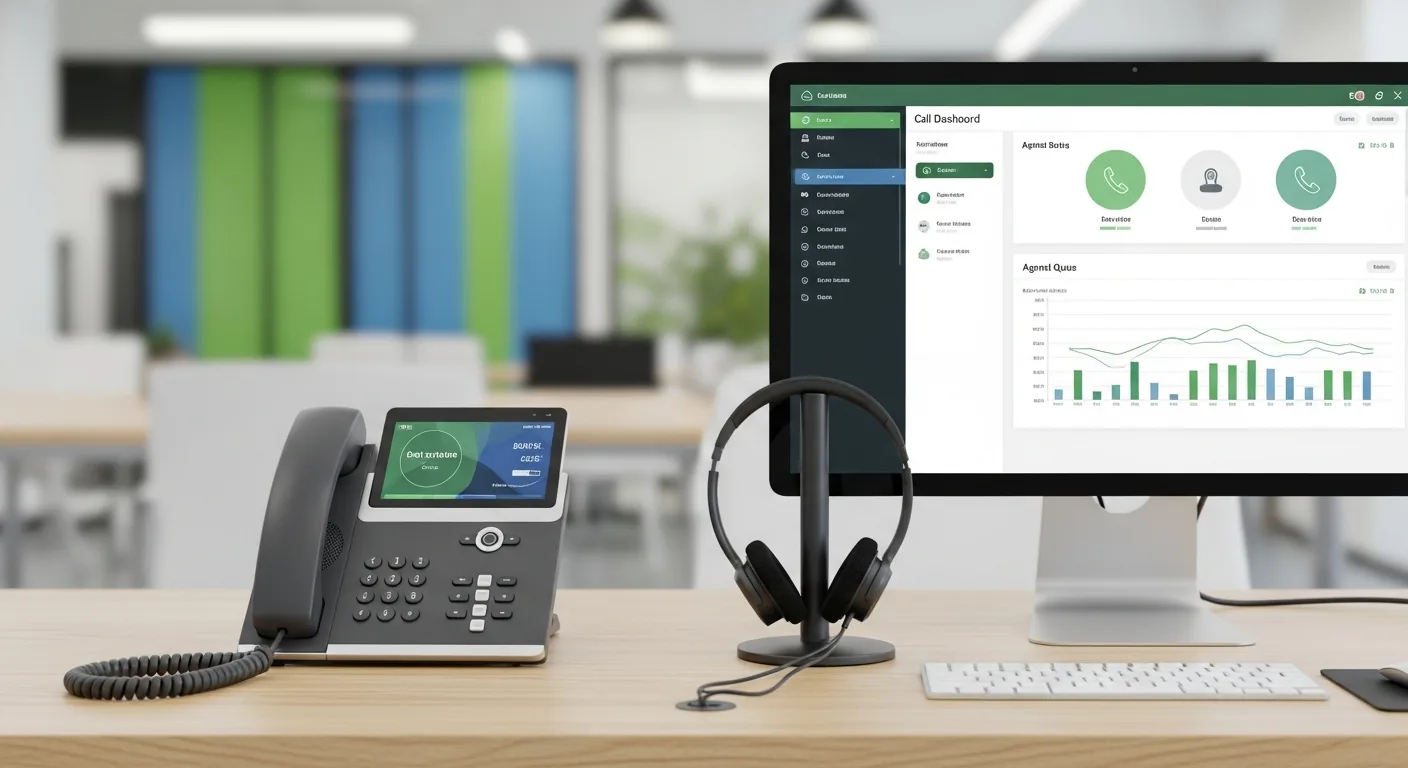
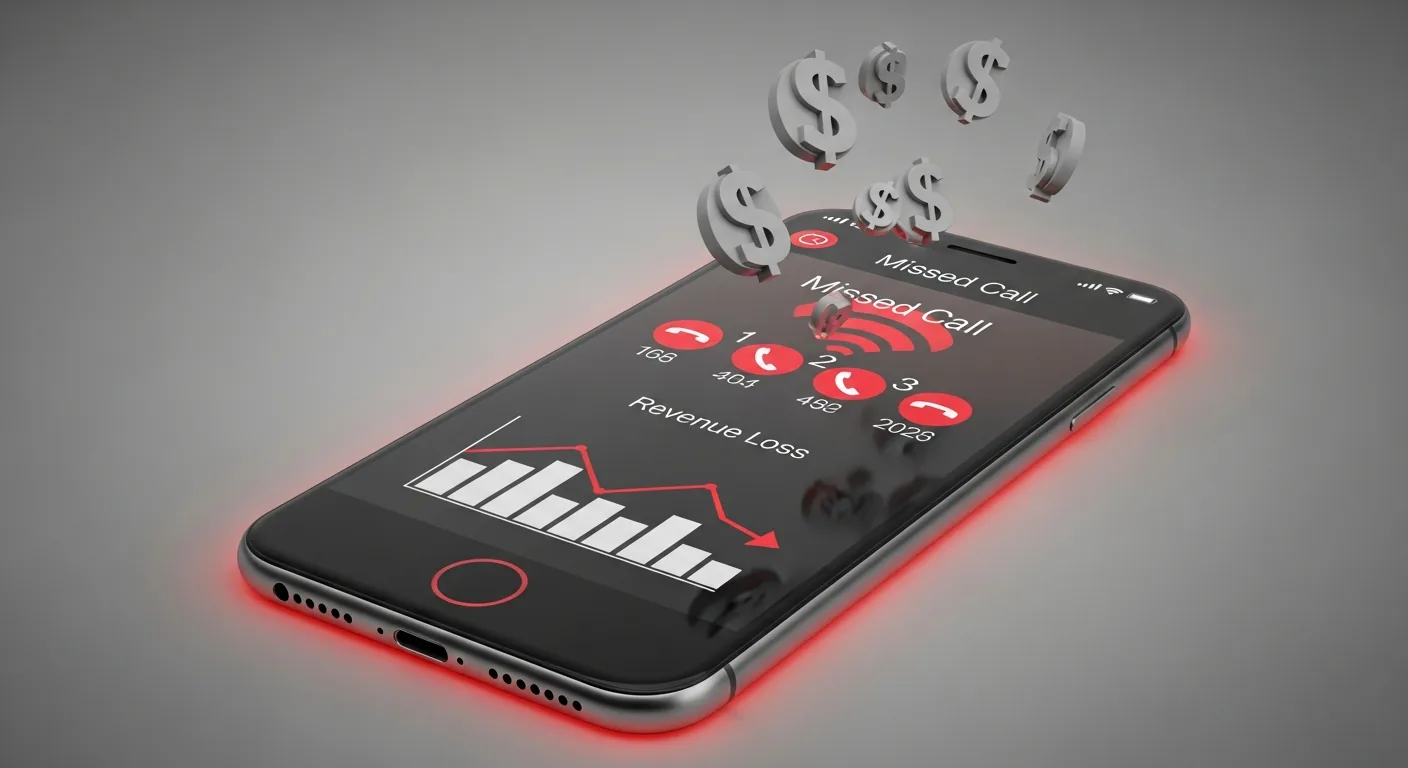
Reporting matters, but be ruthless about it. Most phone dashboards are furniture. The numbers that change a decision are your missed call rate, speed to answer, and when in the day the misses cluster. If a firm learns it drops a quarter of its calls between noon and one, that's a schedule change worth real money, and it took one report to find. The deeper version of this, including what to do with recordings once you have them, is in call recording and analytics. What those numbers cost you when nobody looks is the subject of why firms lose revenue to missed calls.
Meetings, since the phone system probably owns them now
Most business phone platforms now include conferencing and video, which means you may be paying for a separate meeting subscription you no longer need. Check before renewing that one.
What to look for: dial-in and link-based joining both work, ten to twenty participants without an upgrade, screen sharing that doesn't require a download, and a client-side experience that works for a seventy-year-old joining from an iPad. That last one is the real test. If your clients are going to meet you over video, client video meetings need to work for people who don't do this every day.
Growth, and the seasonal version of growth
Adding a user should take minutes in a browser. Removing one should stop the charge promptly. For firms with seasonal headcount this is the difference between paying for twelve months of a seat you use for four, and the accounting-specific version of that math is worked through in VoIP for accounting firms.
Ask about contract terms while you're at it. Annual commitments are common and often fine. Multi-year commitments with early termination fees, on a technology that changes this fast, are not.
Support, which is the thing you're really buying
Every system works on the day it's installed. What you're paying for over five years is what happens when something breaks on a Monday morning in April.
Ask who answers, whether phone support exists or only chat, what the response commitment is, and whether it carries a seasonal asterisk. Ask what onboarding includes and whether training is live or a folder of videos. Ask if you get a named contact or a queue position.
Then check the answer against a reference. Ask for two firms your size who've been customers for over a year, and call them. It's fifteen minutes and it tells you more than every demo combined.
How to decide
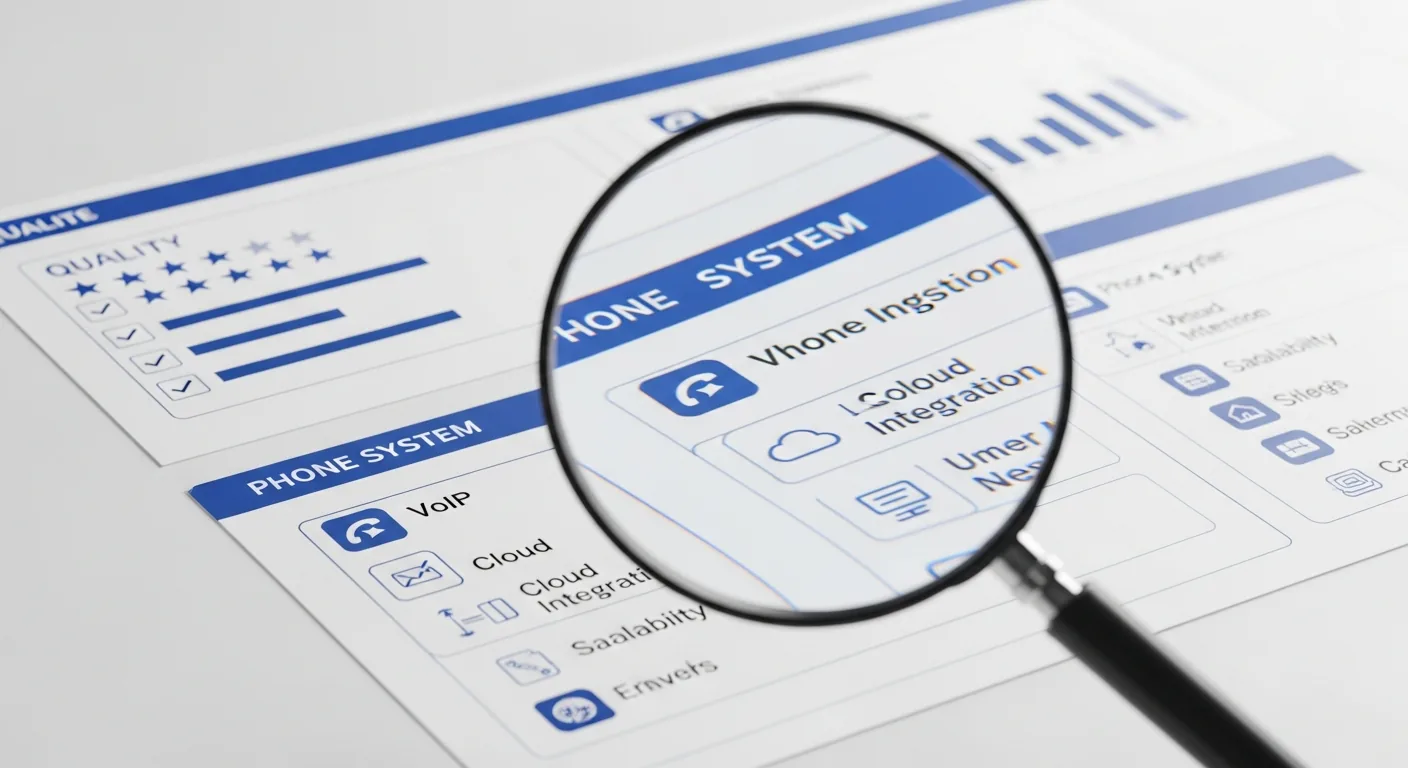
Shortlist three. Trial two, with real people on your real network for at least a week. Judge them on reliability, transfers, the mobile app, and how many times someone at your firm had to ask how to do something. Feature checklists are for narrowing the field, not for choosing.
For the complete picture, from cost modeling to migration, start with our guide to business phone systems.