Why MFA Alone Is Not Enough for Modern Firm Security
Multi-factor authentication has become the security recommendation everyone knows. Enable MFA. It is the first thing every security consultant says, the first requirement on every cyber insurance application, and the first item on every checklist.
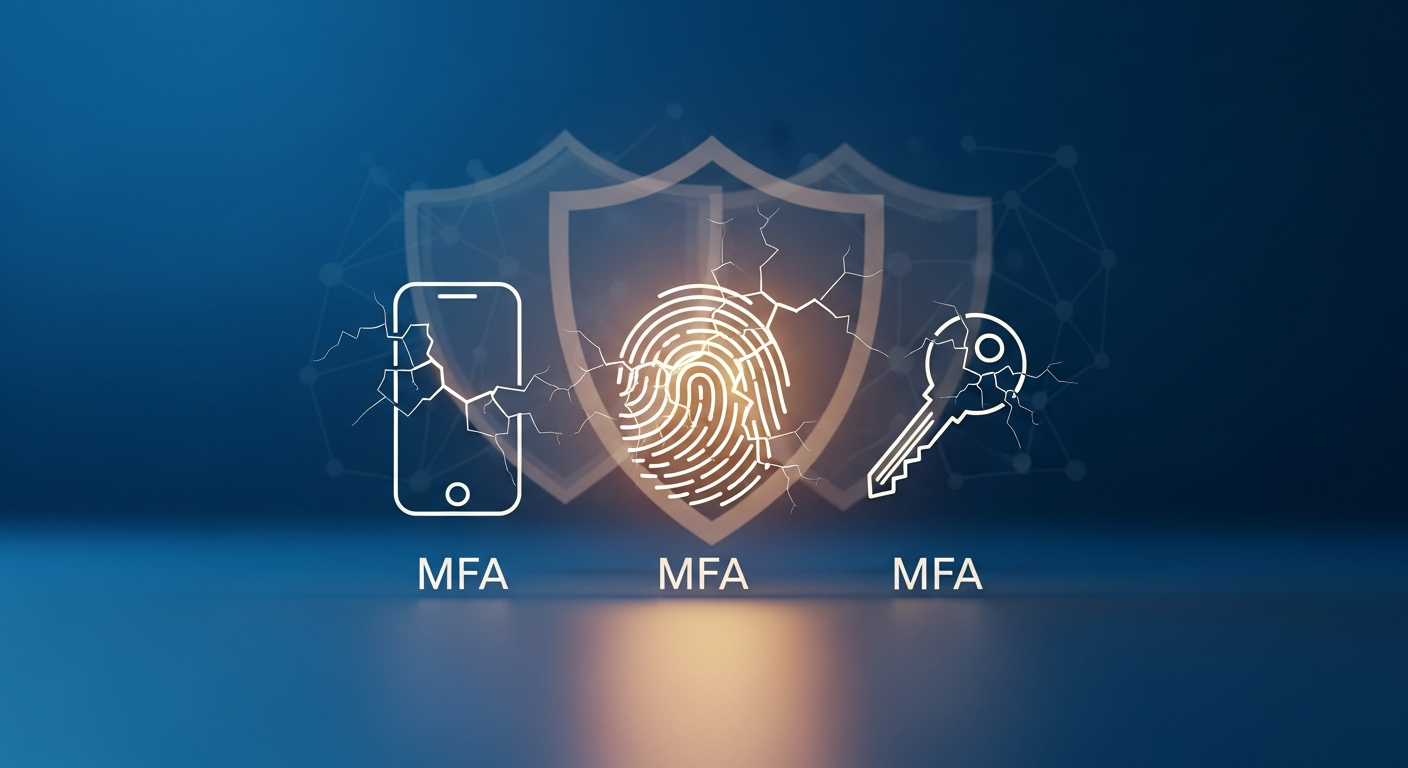
And they are right. MFA dramatically reduces the risk of account compromise. Microsoft estimates that MFA blocks 99.9% of automated attacks. But here is the part that gets less attention: MFA is not a force field. It is a lock on the front door of a house that also has windows, a back door, and a garage.
How MFA Gets Bypassed
Understanding how attackers get around MFA is not meant to discourage you from using it. It is meant to show you why you need more than just MFA.
**MFA fatigue attacks.** The attacker already has the username and password (often from a data breach or phishing attack). They repeatedly trigger MFA push notifications until the user, annoyed and confused, accidentally approves one. This is how Uber was breached in 2022.
**SIM swapping.** If your MFA relies on SMS text messages, an attacker can call your phone carrier, impersonate you, and transfer your number to their device. Now they receive your MFA codes. This has happened to high-profile individuals and is increasingly common.
**Adversary-in-the-middle attacks.** Sophisticated phishing sites act as a proxy between you and the real login page. You enter your username, password, and MFA code. The phishing site captures everything in real time and uses it to log in as you. Your MFA worked perfectly. The attacker still got in.
**Session hijacking.** Once you have authenticated with MFA and have an active session, that session token can be stolen through malware, cross-site scripting, or other attacks. The attacker does not need your MFA code because they are using your already-authenticated session.
**Social engineering.** An attacker calls your help desk, claims to be a partner who lost their phone, and convinces someone to reset MFA or provide a temporary bypass. The technical control is only as strong as the human processes around it.
What You Need Beyond MFA
MFA is layer one. Here is what makes up the rest of a solid security posture.
Phishing-Resistant MFA
Not all MFA is created equal. SMS-based MFA is the weakest form. Authenticator apps are better. Hardware security keys (like YubiKeys) or passkeys are the strongest because they are resistant to phishing and adversary-in-the-middle attacks.
If your firm handles highly sensitive data (and if you are an accounting or law firm, you do), prioritize phishing-resistant MFA methods for at least your most critical systems: email, practice management, and financial platforms.
Endpoint Detection and Response
MFA protects the login. EDR protects the device. If malware is running on a workstation, it can capture session tokens, log keystrokes, and exfiltrate data regardless of how strong your authentication is.
EDR solutions monitor endpoint behavior continuously and can automatically isolate compromised devices. This is a critical layer that operates independently of your authentication controls.
Conditional Access Policies
Modern identity platforms let you create rules that go beyond "enter your password and MFA code." Conditional access policies can:
- Block sign-ins from countries where your firm does not operate
- Require additional verification for unfamiliar devices
- Restrict access to sensitive applications from unmanaged devices
- Force re-authentication for high-risk actions
These policies add context-aware security that adapts to the situation rather than applying the same rules everywhere.
Email Security Controls
Since most credential theft starts with phishing, your email security needs to be robust. Advanced threat protection that scans links and attachments, flags impersonation attempts, and quarantines suspicious messages reduces the chances that credentials are stolen in the first place.
Learn more about protecting client data from phishing and ransomware.
Security Awareness Training
Your team needs to understand what MFA fatigue attacks look like, why they should never approve unexpected MFA prompts, and how to report suspicious activity. Regular training turns your people from vulnerabilities into sensors. See our guide on creating a security culture.
Network Segmentation and Zero Trust
Even if an attacker bypasses MFA and gains access to one system, network segmentation limits how far they can move. Zero Trust architecture verifies every access request, treating every connection as potentially hostile regardless of whether it comes from inside or outside the network.
Monitoring and Alerting
You need visibility into what is happening in your environment. Security information and event management (SIEM) tools collect and analyze logs from across your systems, alerting you to suspicious patterns:
- Multiple failed login attempts followed by a success
- Logins from unusual locations or at unusual times
- Large data transfers or unusual file access patterns
- Changes to security configurations
Without monitoring, a breach can persist for months before anyone notices. The average dwell time for attackers in small organizations is over 200 days.
The Layered Approach
Think of security like the layers of an onion (or if you prefer a less cliche analogy, like the layers of a really good lasagna).
**Layer 1: Identity.** Strong MFA, preferably phishing-resistant. Conditional access policies. Privileged access management.
**Layer 2: Devices.** EDR on every endpoint. Full-disk encryption. Automatic patching. Mobile device management.
**Layer 3: Network.** Firewalls with intrusion detection. Network segmentation. VPN or Zero Trust access. DNS filtering.
**Layer 4: Data.** Encryption at rest and in transit. Access controls based on least privilege. Data loss prevention (DLP) policies. Proper data retention and encryption practices.
**Layer 5: People.** Regular security training. Phishing simulations. Clear incident reporting procedures. A security-conscious culture.
**Layer 6: Response.** Written incident response plan. Tested backups. Cyber insurance. Forensic retainer agreement.
Each layer compensates for weaknesses in the others. If MFA is bypassed, EDR catches the unusual activity. If a phishing email gets through filters, trained employees recognize it. If malware gets past EDR, network segmentation contains it.
Practical Steps for Your Firm
1. Audit your current MFA implementation. Are you using SMS, authenticator apps, or hardware keys? Upgrade where possible. 2. Enable conditional access policies if your identity platform supports them. 3. Deploy EDR on all endpoints and ensure it is monitored. 4. Review your email security controls and ensure advanced threat protection is active. 5. Schedule quarterly security training that specifically covers MFA bypass techniques. 6. Implement monitoring and alerting for authentication events.
MFA is necessary. It is not sufficient. The firms that understand this distinction and build layered defenses around it are the ones that sleep better at night.
For a comprehensive security approach, explore our cybersecurity guide for professional services.