Data Retention, Access Control, and Encryption for Professional Offices
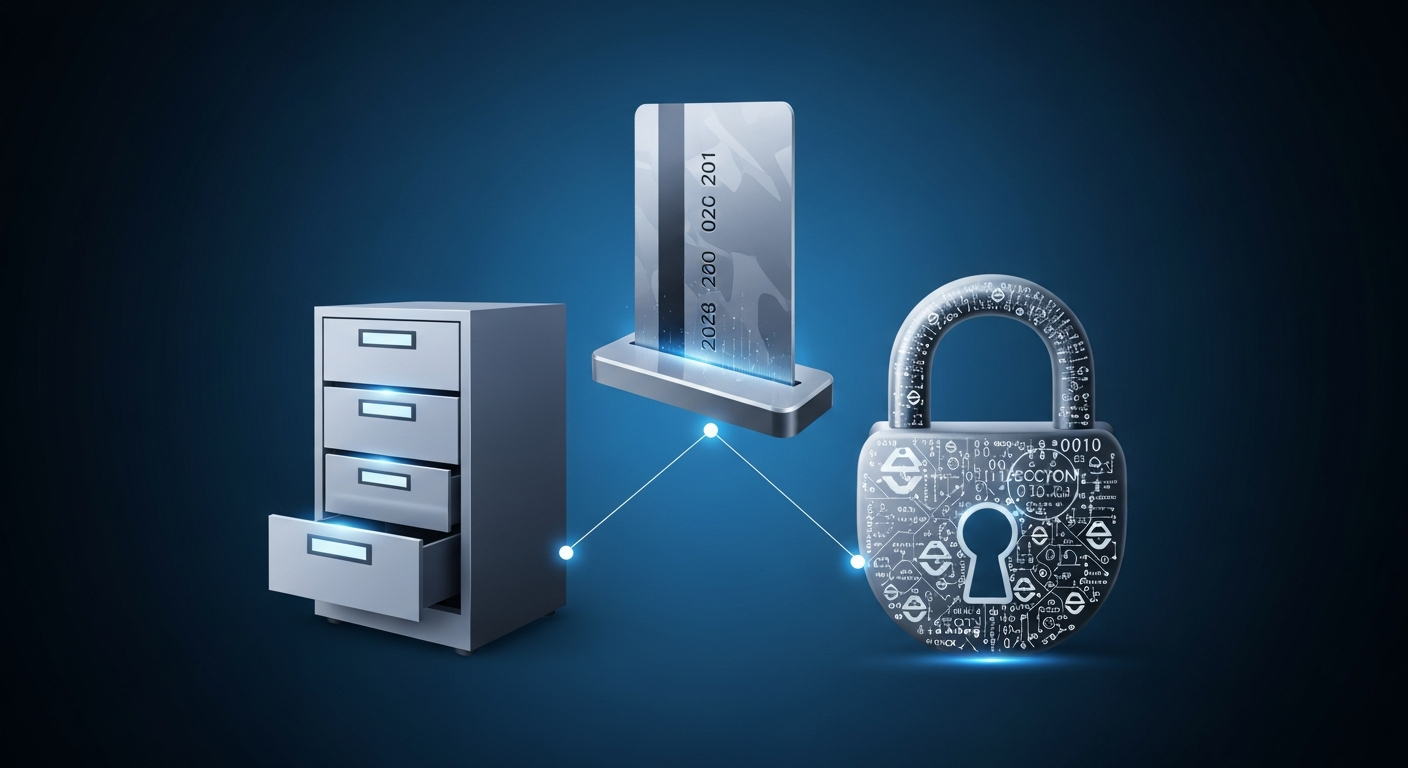
Data retention, access control, and encryption. Three topics that most firm owners know they should care about but rarely address with the rigor they deserve. Each one is individually important. Together, they form the backbone of client data protection.
The challenge for small and mid-sized professional firms is making these concepts practical. You do not have a chief information security officer or a compliance department. You have a managing partner who also handles HR, an office manager who also troubleshoots the printer, and an IT provider who comes in twice a month.
This article makes it manageable.
Data Retention: Keeping What You Need, Deleting What You Do Not
Every piece of data you store is a potential liability. If client data from 2015 gets breached, you are responsible for notifying those clients and managing the fallout, even if you have not thought about that data in years.
Why Retention Policies Matter
**Legal and regulatory requirements.** Tax professionals must retain client records for a minimum period (typically 3-7 years depending on the type of document). Law firms have varying retention requirements based on practice area and jurisdiction. Financial advisors have their own set of rules.
**Liability reduction.** Data you do not have cannot be breached. Once the legal retention period expires, securely disposing of data reduces your attack surface and limits your liability.
**Storage costs.** Keeping everything forever is not just risky, it is expensive. Cloud storage, backup costs, and the management overhead of maintaining old data add up.
Building a Retention Policy
Start by categorizing your data:
**Category 1: Active client data.** Currently used for ongoing engagements. Retained as long as the client relationship is active.
**Category 2: Completed engagement data.** Work is done but legal retention periods have not expired. Retained according to regulatory requirements.
**Category 3: Expired data.** Retention period has passed and the data is no longer needed. Scheduled for secure disposal.
**Category 4: Permanent records.** Some documents (firm organizational records, certain contracts) may need to be retained indefinitely.
For each category, document: - What types of data are included - How long they are retained - Where they are stored - Who is responsible for disposal - How disposal is performed and documented
Secure Disposal
Deleting a file from your desktop is not secure disposal. The data remains recoverable until it is overwritten. Proper disposal includes:
- **Digital data:** Use certified data wiping tools that overwrite the data multiple times. For cloud data, ensure the provider's deletion process is thorough and documented.
- **Physical documents:** Cross-cut shredding. Not strip shredding (which can be reassembled). Use a certified document destruction service for large volumes.
- **Hardware:** When retiring computers, servers, or storage devices, use NIST-compliant media sanitization methods or physical destruction.
Access Control: Who Gets to See What
Access control is the practice of ensuring that only the right people can access the right data at the right time. Simple concept. Complicated execution.
The Principle of Least Privilege
Every user should have the minimum level of access necessary to do their job. No more.
In practice, this means:
- A tax preparer working on individual returns does not need access to corporate client files
- A paralegal working on real estate matters does not need access to criminal defense files
- The receptionist does not need access to the document management system
- A seasonal employee does not need the same access as a year-round partner
Implementing Role-Based Access Control (RBAC)
Instead of managing permissions for each individual, define roles and assign permissions to the roles.
Common roles for professional firms:
- **Partner/Owner:** Full access to all systems and data, administrative privileges
- **Senior Associate:** Access to client data within their practice area, limited administrative access
- **Staff/Associate:** Access to assigned client data only, no administrative access
- **Administrative Staff:** Access to firm operations systems, limited or no access to client data
- **Seasonal/Contract:** Temporary access to specific assigned work only
Map each role to specific permissions in every system: practice management, document management, email, file shares, cloud storage, financial systems.
Access Reviews
Access creep is real. Over time, people accumulate permissions from different projects, role changes, and temporary access grants that never got revoked. Review access quarterly.
Ask two questions for each user in each system: 1. Does this person still need this level of access? 2. Has their role changed in a way that should change their permissions?
Remove any access that is no longer justified. Document the review. For more on managing access during personnel changes, see our guide on onboarding and offboarding employees securely.
Privileged Account Management
Administrative accounts are the keys to the kingdom. Treat them accordingly:
- Admin accounts should be separate from daily-use accounts
- Admin credentials should never be shared
- All admin actions should be logged and reviewed
- Admin access should require additional authentication (phishing-resistant MFA)
- The number of admin accounts should be minimized
Encryption: Making Stolen Data Useless
Encryption transforms readable data into unreadable ciphertext. Without the encryption key, the data is useless to an attacker. It is your last line of defense.
Encryption at Rest
Data at rest is data stored on servers, hard drives, USB drives, or in the cloud. All sensitive client data should be encrypted at rest.
**Full-disk encryption** protects the entire hard drive. If a laptop is lost or stolen, the data cannot be accessed without the encryption key. BitLocker (Windows) and FileVault (Mac) provide this capability built into the operating system.
**File-level encryption** protects individual files or folders. This is useful when you need granular control over which data is encrypted and who can decrypt it.
**Database encryption** protects data stored in databases. Most modern database systems support Transparent Data Encryption (TDE) that encrypts data automatically.
**Cloud encryption** depends on your provider. Understand whether your cloud storage provider encrypts data by default, whether they use keys you control, and whether they can access your data.
Encryption in Transit
Data in transit is data moving across a network. This includes email, file transfers, web browsing, and VPN connections.
**TLS 1.2 or higher** should be required for all network communications. Older protocols (TLS 1.0, TLS 1.1, SSL) have known vulnerabilities.
**Email encryption** protects the content of email messages. Options include S/MIME, PGP, or built-in encryption features in platforms like Microsoft 365. For highly sensitive communications, consider secure client portals instead of email.
**VPN encryption** protects data when employees access firm resources remotely. Ensure your VPN uses strong encryption (AES-256) and modern protocols.
Key Management
Encryption is only as strong as the protection of the encryption keys. If an attacker gets your keys, encryption becomes meaningless.
- Store encryption keys separately from encrypted data
- Use hardware security modules (HSMs) for critical keys
- Rotate keys periodically
- Have a documented process for key recovery
- Maintain backup copies of keys in a secure, separate location
Bringing It All Together
These three concepts work together:
**Retention policies** ensure you only keep data as long as necessary, reducing your exposure.
**Access controls** ensure that even retained data is only accessible to those who need it, limiting the impact of a compromised account.
**Encryption** ensures that even if access controls fail and data is stolen, it remains unreadable to the attacker.
Start with the basics: 1. Audit what data you have and where it lives 2. Define retention periods for each data category 3. Implement role-based access control 4. Enable encryption at rest and in transit 5. Document everything
Review annually. Adjust as your firm grows and regulations change.
For a comprehensive approach to securing your firm, visit our cybersecurity guide for professional services. And check the practical cybersecurity checklist to ensure you are covering all the bases.