A Practical Cybersecurity Checklist for Professional Services Firms
Cybersecurity frameworks are great in theory. In practice, most small and mid-sized professional services firms need something more direct. Not a 200-page compliance manual, but a practical checklist they can actually work through.
This checklist is designed for firms with 5 to 100 employees. Accounting firms, law firms, financial advisors, consultants. If you handle sensitive client data and do not have a dedicated security team, this is for you.
Identity and Access Management
These items control who can access what, and how they prove they are who they claim to be.
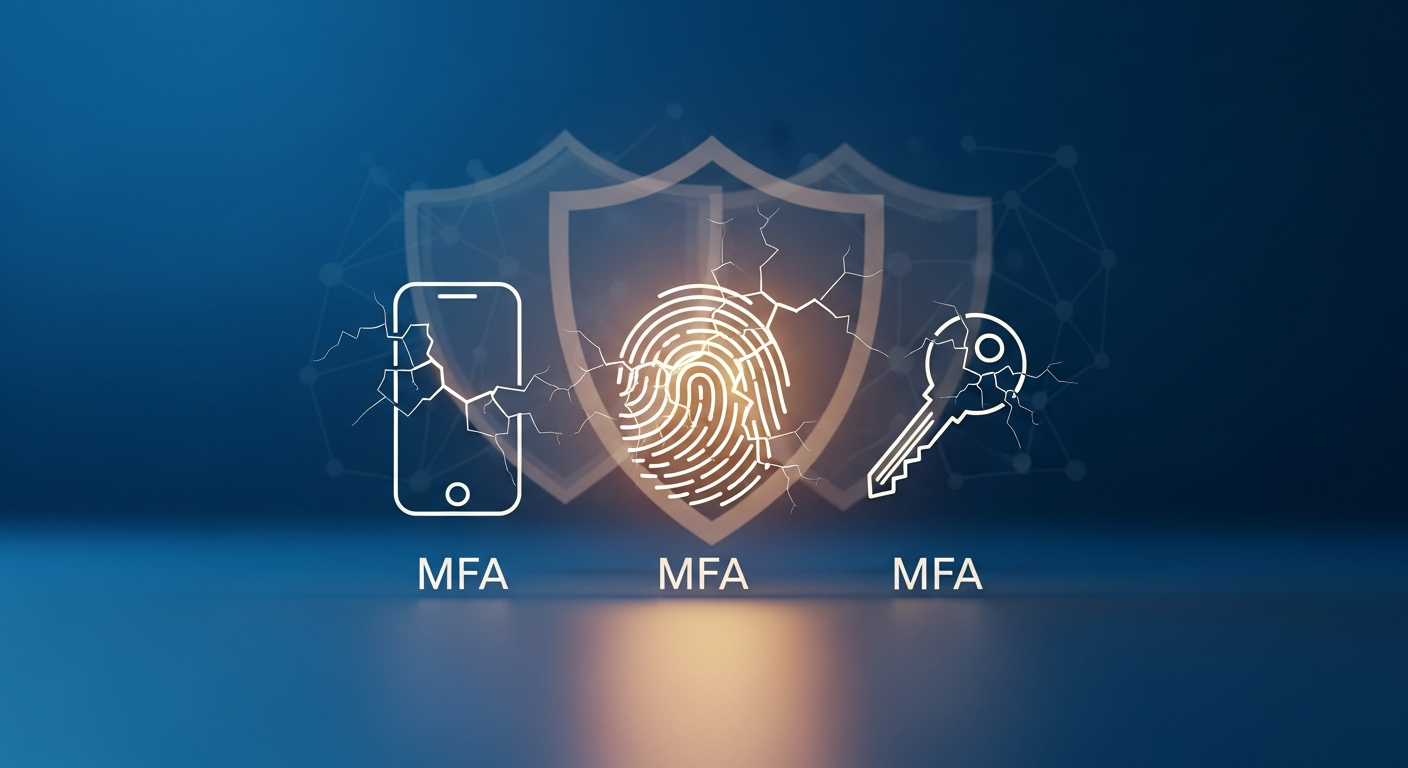
**Multi-factor authentication (MFA).** Enabled on all email accounts, cloud applications, VPN connections, and remote desktop access. No exceptions. If a system supports MFA, it should be turned on. But remember that MFA alone is not enough for complete protection.
**Unique accounts for every user.** No shared logins. Every person who touches your systems should have their own account with their own credentials. Shared accounts make it impossible to track who did what.
**Password policy enforcement.** Minimum 14 characters. No password reuse across systems. Use a password manager to make this practical instead of painful.
**Privileged access management.** Admin accounts should be separate from daily-use accounts. If a partner needs admin access to a system, they should have two accounts: one for regular work and one for administrative tasks.
**Offboarding process.** When someone leaves the firm, every account should be disabled within 24 hours. Not next week. Not when IT gets around to it. The same day. Review your onboarding and offboarding process to make sure nothing falls through the cracks.
Email Security
Email is the primary attack vector for professional services firms. These controls are essential.
**Advanced email filtering.** Beyond basic spam filtering, you need tools that analyze links, scan attachments in sandboxed environments, and detect impersonation attempts.
**DMARC, DKIM, and SPF records.** These email authentication protocols prevent attackers from spoofing your firm's domain to send fraudulent emails to your clients. If you have not configured these, your firm's domain could be used in phishing campaigns without your knowledge.
**External email warnings.** Configure your email system to flag messages from outside your organization with a visible banner. This simple step helps staff think twice before trusting external messages that appear to come from colleagues.
**Encryption for sensitive communications.** Emails containing client financial data, tax returns, legal documents, or personal information should be encrypted. Many email platforms offer built-in encryption options.
Endpoint Protection
Every device that connects to your network or accesses client data needs protection.
**Endpoint detection and response (EDR).** Traditional antivirus is not sufficient. EDR solutions monitor for behavioral anomalies and can contain threats automatically.
**Full-disk encryption.** Every laptop and workstation should have full-disk encryption enabled. On Windows, this means BitLocker. On Mac, FileVault. If a device is lost or stolen, the data remains protected.
**Automatic updates.** Operating systems, applications, and firmware should update automatically whenever possible. For systems that require manual updates, establish a 48-hour patch window for critical vulnerabilities.
**Mobile device management (MDM).** If employees access firm data from phones or tablets, MDM allows you to enforce encryption, require screen locks, and remotely wipe lost devices.
Network Security
Your network is the highway that connects everything. Secure the highway.
**Firewall with intrusion detection.** A properly configured firewall is the first line of defense. Pair it with intrusion detection and prevention systems (IDS/IPS) that monitor for suspicious traffic patterns.
**Network segmentation.** Guest Wi-Fi should be completely separate from your business network. Printer networks, IoT devices, and employee workstations should be segmented so a compromise in one area does not spread to others.
**Secure Wi-Fi.** Use WPA3 encryption. Change default router passwords. Hide your business network SSID from public view. Disable WPS.
**VPN for remote access.** Any connection to firm resources from outside the office should go through an encrypted VPN tunnel. Better yet, implement Zero Trust Network Access (ZTNA) that verifies every request regardless of location.
Data Protection
The data itself needs protection, independent of the systems that store and process it.
**Data classification.** Know what data you have and how sensitive it is. Not everything needs the same level of protection, but you cannot protect what you have not identified.
**Encryption at rest and in transit.** Sensitive data should be encrypted whether it is sitting on a server or moving across a network. TLS 1.2 or higher for data in transit. AES-256 for data at rest.
**Backup strategy.** Follow the 3-2-1 rule: three copies of important data, on two different types of media, with one copy stored offsite or in the cloud. Test restores quarterly. For detailed guidance, see our article on data retention, access control, and encryption.
**Data retention policies.** Define how long you keep different types of data and how you securely dispose of it when that period expires. Keeping data forever increases your risk surface unnecessarily.
Employee Training
Technology cannot compensate for untrained staff. Period.
**Security awareness training.** Conduct training quarterly, not just annually. Cover phishing, social engineering, password hygiene, and safe data handling. Learn how to build a security culture that sticks.
**Phishing simulations.** Run simulated phishing campaigns monthly. Track who clicks and provide additional training for those who need it. No shaming, just improvement.
**Incident reporting process.** Make it easy and safe for employees to report suspicious activity. If people are afraid of getting in trouble for clicking a link, they will hide it instead of reporting it.
Incident Response
When something goes wrong, your response determines the outcome.
**Written incident response plan.** Document who does what, in what order, and how you communicate during an incident. See our detailed guide on building a breach response plan.
**First 24 hours playbook.** The critical window after discovering a breach requires fast, coordinated action. Know what to do in those first 24 hours.
**Contact list.** Maintain a current list of people to contact during an incident: internal team, legal counsel, cyber insurance carrier, law enforcement, forensic investigators.
**Annual tabletop exercise.** Practice your incident response plan at least once a year with a simulated scenario. This reveals gaps before a real incident exposes them.
Vendor Management
Your security is only as strong as your weakest vendor.
**Vendor security assessments.** Before sharing client data with any third party, evaluate their security posture. This includes cloud providers, software vendors, and outsourced service providers. Pay special attention to AI vendor security as firms adopt new tools.
**Business Associate Agreements.** For vendors handling sensitive data, execute agreements that define their security obligations and breach notification requirements.
**Regular vendor reviews.** Annually review your vendor relationships and their security posture. A vendor that was secure last year may not be secure today.
Insurance and Compliance
**Cyber insurance.** Obtain coverage appropriate for your firm's size and risk profile. Understand what requirements must be in place before you buy.
**Compliance mapping.** Identify which regulations apply to your firm (IRS Publication 4557, state data privacy laws, HIPAA if handling health data) and map your controls to those requirements. Address common compliance gaps proactively.
**Documentation.** Document your security policies, procedures, and controls. This is essential for compliance, insurance claims, and continuous improvement.
Using This Checklist
Do not try to do everything at once. Prioritize by impact:
1. MFA and access controls (stops most account compromise) 2. Email security (blocks the primary attack vector) 3. Endpoint protection (contains threats that get through) 4. Backup and recovery (ensures you can recover from ransomware) 5. Training (builds the human firewall)
Then work through the remaining items systematically. For the full picture, visit our cybersecurity guide for professional services.
Security is a journey. This checklist is your map.