What to Look for in a Business Phone System for Client-Facing Teams
What to Look for in a Business Phone System for Client-Facing Teams
If your team spends a significant portion of their day talking to clients, your phone system is not just a utility. It is a service delivery tool. The wrong system makes your team less productive, your clients less happy, and your firm less competitive. The right system does the opposite.
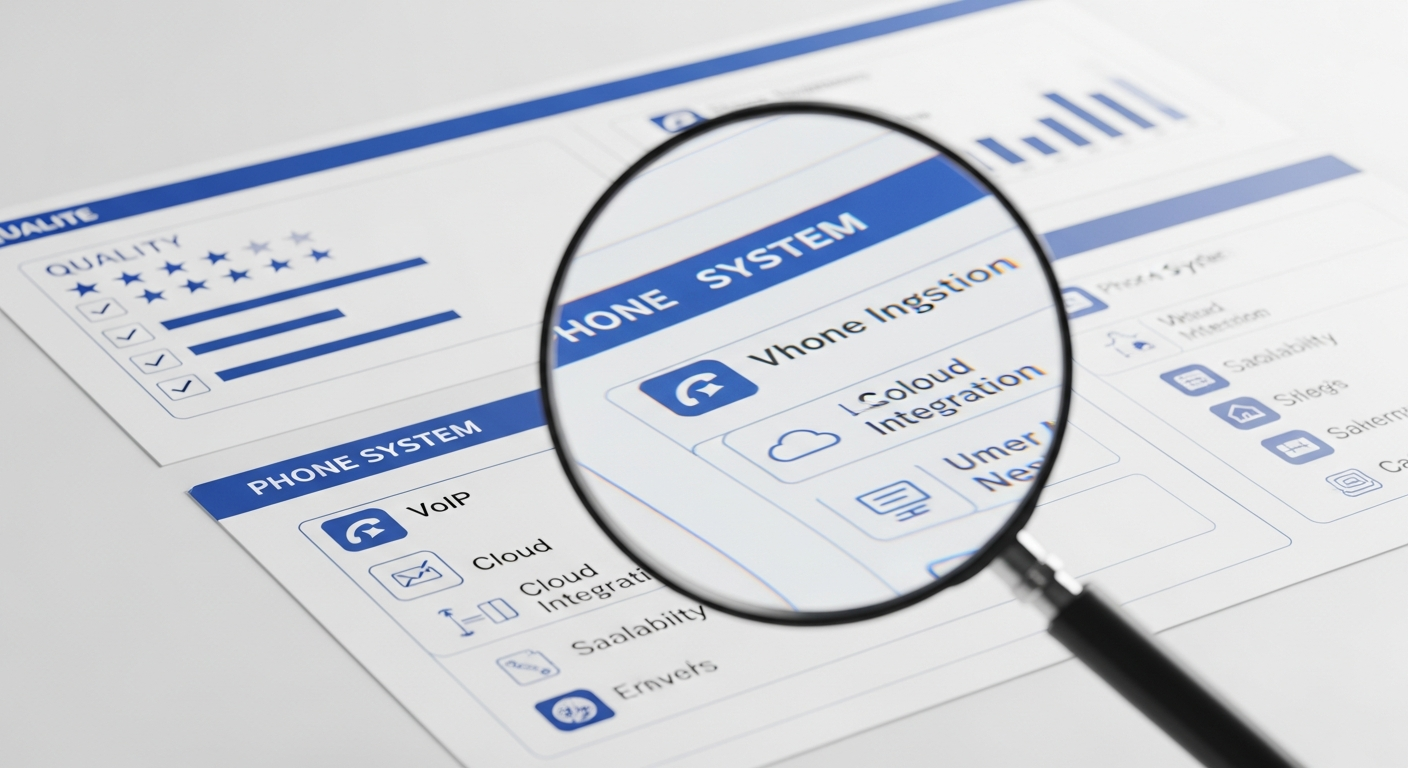
But with dozens of providers and hundreds of features to evaluate, choosing a phone system can feel overwhelming. Here is what actually matters for client-facing professional teams.
Reliability Above Everything
This might sound obvious, but it needs to be said. Your phone system must work. Every time. Dropped calls, garbled audio, and random outages are unacceptable for a firm whose reputation depends on being accessible and professional.
When evaluating providers, ask about uptime guarantees. Look for 99.99% or higher. Ask about redundancy. Where are their data centers? What happens if one goes down? Ask about their track record. How often have they had outages in the past year?
For VoIP systems, reliability also depends on your internet connection. If your office internet is unreliable, even the best VoIP provider will deliver a poor experience. Consider a dedicated internet connection for voice traffic, or at minimum, ensure your router supports QoS (Quality of Service) settings that prioritize voice packets.
Call Quality
Your clients should never hear echoes, delays, or robotic-sounding audio. Modern VoIP systems use HD audio codecs that deliver call quality equal to or better than traditional phone lines. But call quality depends on your network configuration.
Make sure your internet connection has enough upload bandwidth. Each simultaneous VoIP call requires about 100 Kbps of upload bandwidth. For a 10-person office where 5 people might be on calls at the same time, you need at least 500 Kbps dedicated to voice traffic. Most business internet connections provide this easily, but it is worth confirming.
Professional Auto-Attendant
First impressions matter. When a client or prospect calls your firm, the first thing they hear sets the tone. A professional auto-attendant greets callers, provides options, and routes them efficiently.
Avoid deep phone trees. Nobody wants to press 7 buttons to reach a person. One or two levels of menu options is the maximum. Better yet, offer a direct path to a live person at every level.
Seamless Call Transfer
Your team needs to transfer calls constantly. A client calls the front desk and needs to reach their attorney. A prospect calls a partner who wants to loop in an associate. A support call needs to go to IT.
Transfers should be fast and reliable. Both blind transfers (transferring without speaking to the recipient first) and warm transfers (speaking to the recipient before connecting the caller) should work smoothly. The caller should never be disconnected during a transfer.
Mobile Integration
Client-facing professionals are often away from their desks. They are in meetings, at court, visiting client sites, or working from home. A good phone system includes a mobile app that mirrors the desk phone experience.
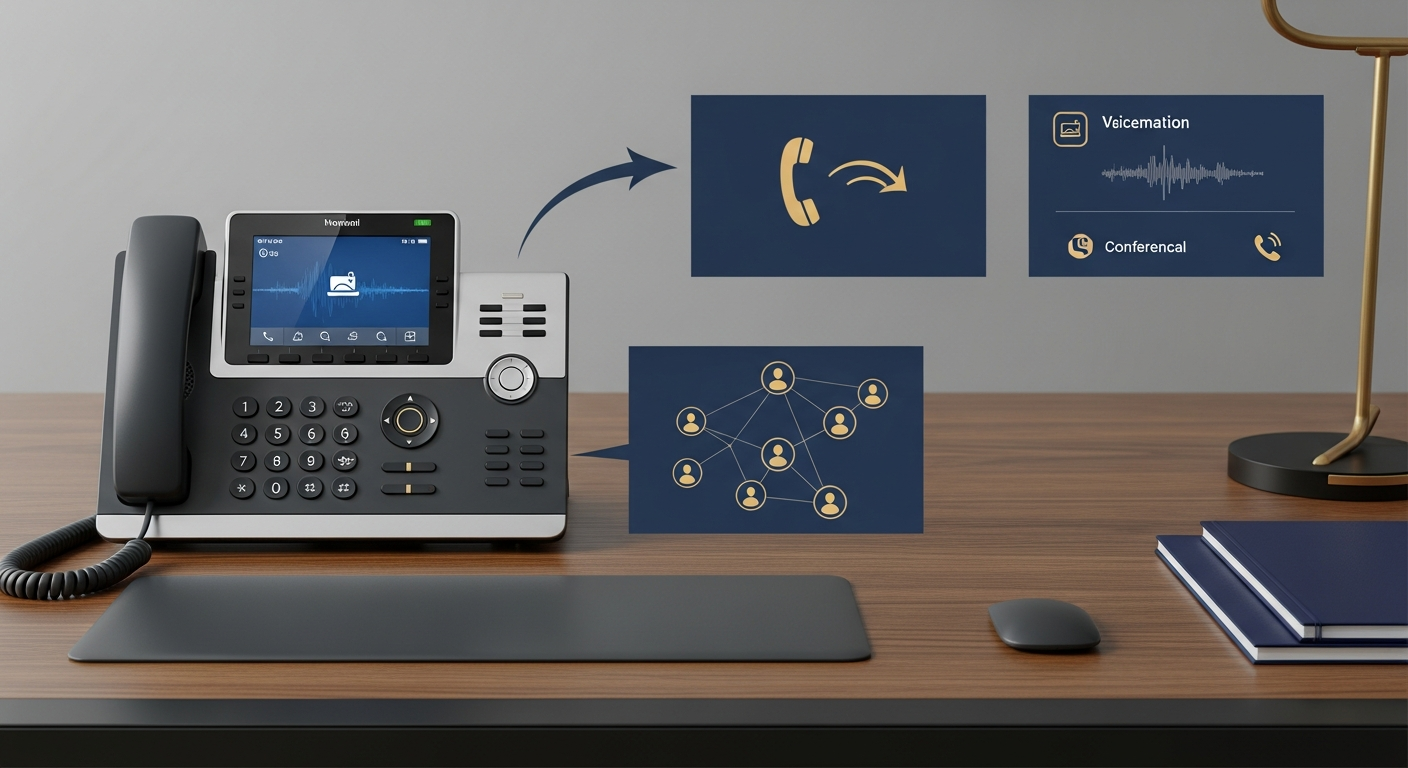
Your team should be able to make calls from their business number, receive calls forwarded from their extension, check voicemail, transfer calls, and participate in conference calls, all from their mobile phone. The client always sees the firm's number, never the employee's personal number.
CRM and Practice Management Integration
When a client calls, your team should not have to scramble to figure out who they are. Integration with your CRM or practice management system means the caller's information pops up automatically. Your team sees the client's name, their account history, any open matters, and recent notes.
This transforms every call from a cold interaction into a warm one. The client feels known and valued, and your team has context before they even say hello.
Call Recording
For client-facing teams, call recording serves multiple purposes. It protects your firm in case of disputes. It helps managers coach and train new staff. It provides a record of client instructions and agreements.
Look for a system that makes recording easy to enable, stores recordings securely with appropriate encryption, allows searching by date, caller, or extension, and supports configurable retention policies. Read more about the benefits in our article on how call recording and analytics improve intake.
Analytics and Reporting
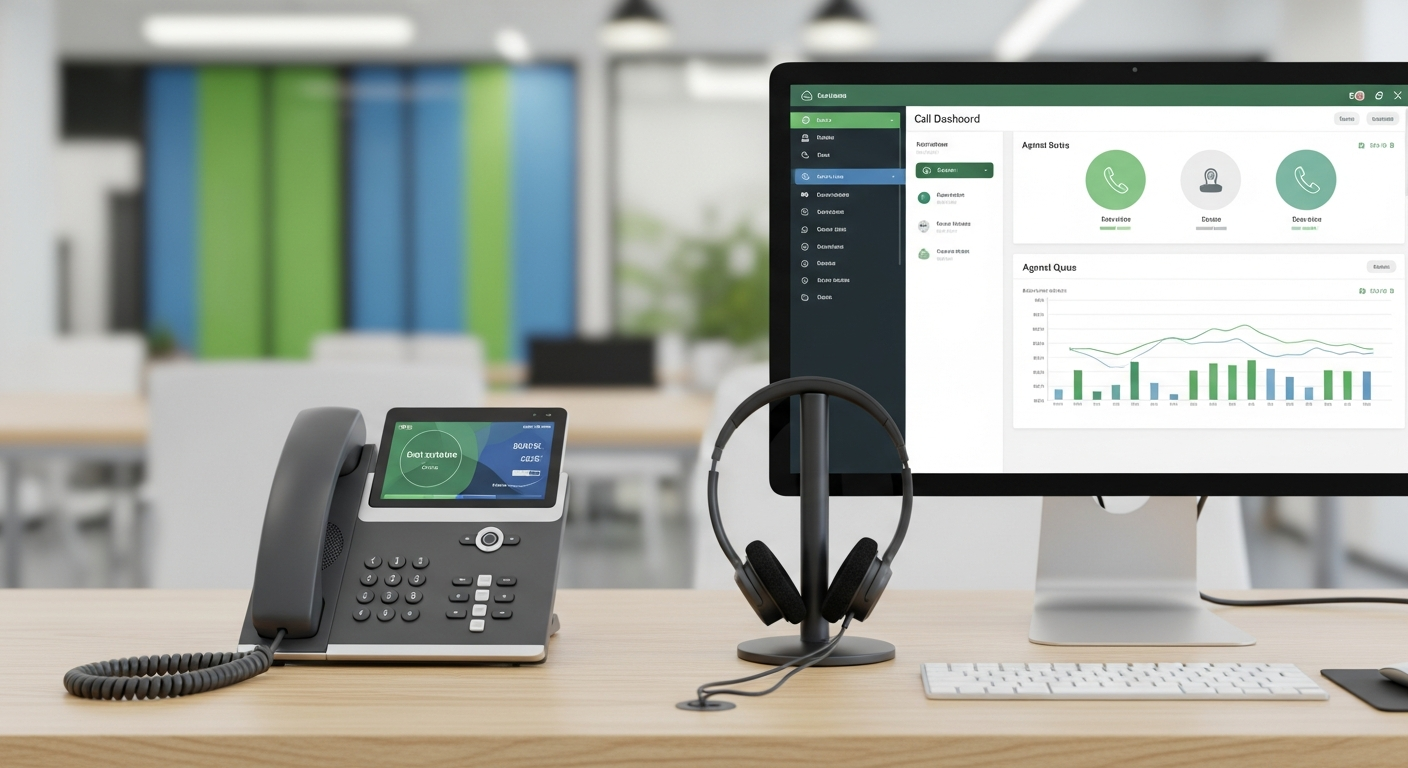
Data helps you staff smarter and serve better. Your phone system should tell you how many calls your team handles per day, what percentage of calls are answered versus missed, average hold times and call durations, peak calling hours and days, and individual and team performance metrics.
This data helps you identify patterns. If you are missing 30% of calls on Monday mornings, you know you need more coverage at that time. If average hold times spike during certain hours, you can adjust scheduling.
Voicemail Transcription
Nobody likes listening to voicemails. Transcription converts them to text and delivers them via email. Your team can scan messages in seconds, prioritize callbacks, and respond faster. For busy client-facing teams, this feature alone can save significant time each week.
Conference Calling and Video
Client-facing teams need to bring multiple people into conversations regularly. Your phone system should support conference calls with at least 10 to 20 participants, easy dial-in or link-based joining, video conferencing for visual communication, and screen sharing for presentations and document review.
Scalability
Your team will grow. Your phone system should grow with it. Cloud-based VoIP systems let you add users in minutes without hardware installation. This is especially valuable for firms that hire seasonal staff or bring on contractors for specific projects.
For firms comparing their options, our article on VoIP vs traditional phone systems for professional offices provides a detailed breakdown.
Security and Compliance
Client-facing teams handle sensitive conversations. Your phone system should encrypt calls in transit using TLS and SRTP, provide secure voicemail storage, offer role-based access controls, support compliance requirements specific to your industry, and allow audit logging of system access and changes.
Support and Training
Even the best phone system is useless if your team does not know how to use it. Evaluate each provider's onboarding process, training resources, and ongoing support. Look for providers that offer live training sessions, video tutorials, responsive support (ideally with phone support, not just chat or email), and a dedicated account manager for your firm.
The Decision Framework
Ultimately, your phone system should make your client-facing team more effective, not more frustrated. Prioritize reliability and call quality first, then evaluate features based on your specific workflow needs.
For a comprehensive guide to phone systems for professional firms, visit our guide on business phone systems for professional services.