How to Set Up Call Routing for Multi-Office Professional Firms
How to Set Up Call Routing for Multi-Office Professional Firms
When your firm operates out of more than one location, your phone system either makes you look like a well-coordinated organization or a collection of disconnected offices that happen to share a name. The difference is call routing.
Good call routing means a client can call any of your numbers and reach the right person regardless of which office that person sits in. It means calls are answered quickly, transferred seamlessly, and never lost in the shuffle between locations. Bad call routing means clients get bounced around, put on hold, and told "let me give you the number for our other office."
Here is how to set it up properly.
Start With a Unified Phone System
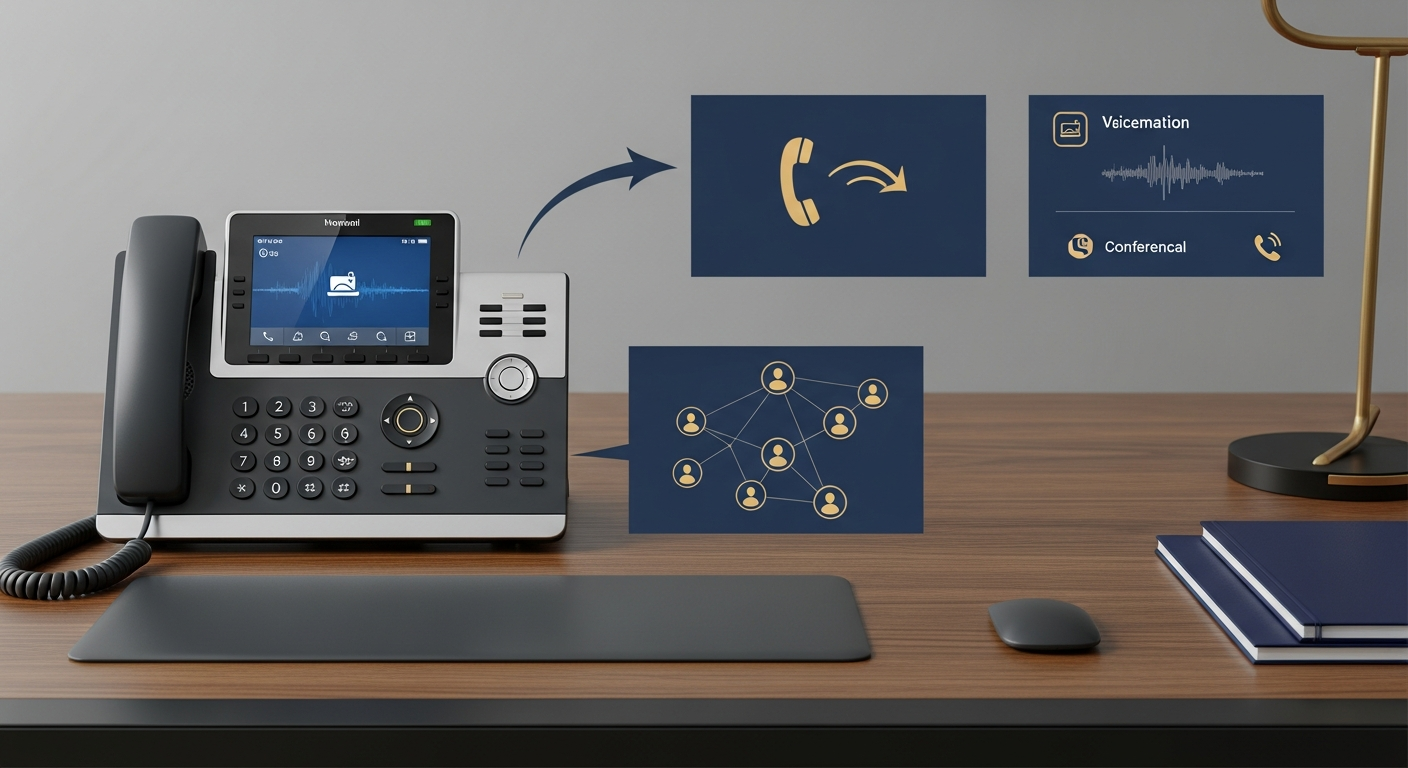
The foundation of good multi-office call routing is a single phone system that spans all locations. If each office has its own independent phone system, seamless routing is nearly impossible. You need a cloud-based VoIP system that treats all your locations as one organization.
With a unified system, every employee has an extension regardless of their physical location. Transferring a call from your downtown office to your suburban office is no different from transferring to the desk next door. For firms still on traditional systems, our article on VoIP vs traditional phone systems for professional offices explains why the switch matters.
Design Your Call Flow
Before you configure anything, map out how you want calls to flow. This means answering several questions.
What happens when someone calls your main number? Do they reach a receptionist, an auto-attendant, or a ring group? If you have a receptionist at one location but not the other, should all calls route to the staffed location first?
What happens when the first point of contact is unavailable? Does the call go to a queue, a backup receptionist, voicemail, or an AI receptionist?
What happens after hours? Do all locations follow the same after-hours schedule, or do different offices have different hours?
How should location-specific calls be handled? If a client calls the number for your satellite office, should those calls always go to that office first, or should they route to whoever is available across all locations?
Write this flow down before you touch any settings. It will save you hours of trial and error.
Set Up Location-Based Routing
The simplest approach is to give each office its own local phone number while maintaining a single main number. Clients in each market call their local number, and the system routes accordingly. The main number serves as a catch-all.
Within each location, set up ring groups or hunt groups. A ring group rings multiple phones simultaneously. The first person to pick up gets the call. A hunt group rings phones in sequence, trying one after another until someone answers.
For most professional firms, a combination works best. New client calls ring your intake team simultaneously. Existing client calls route to the assigned professional's extension, with a fallback to their assistant or a backup.
Implement Skills-Based Routing
If your firm offers different services at different locations, you can route calls based on the nature of the inquiry. When a caller reaches your auto-attendant and selects "tax preparation," the call routes to your office that handles tax work. When they select "audit services," it goes to the audit team.
This ensures callers reach someone who can actually help them, rather than being transferred after explaining their situation.
Configure Failover Rules
Failover rules determine what happens when the primary routing path fails. For example, if the caller is trying to reach a specific attorney and that attorney does not answer within four rings, the call should go to the attorney's assistant. If the assistant does not answer, it should go to the receptionist. If the receptionist is busy, it should go to a voicemail that sends a notification.
Layered failover ensures that every call is answered or captured, no matter what. The worst outcome is a call that rings endlessly with no resolution.
Presence-Aware Routing
Modern VoIP systems can check whether someone is available before routing a call to them. If an attorney is on another call, in a meeting, or has set their status to "Do Not Disturb," the system skips them and routes to the next available person.
This prevents the frustrating experience of being transferred to someone's extension only to sit through four rings and land in voicemail. Presence-aware routing makes your firm feel responsive and professional.
Time-Based Routing
Different offices may have different hours, especially if they are in different time zones. Your phone system should account for this. If your East Coast office closes at 5 PM EST but your West Coast office is open until 5 PM PST, after-hours calls to the East Coast number should route to the West Coast office during that overlap window.
Time-based routing also handles holidays, half-days, and special schedules. Configure these in advance so your team does not have to remember to change settings manually.
Unified Voicemail and Messaging
When a call does go to voicemail, the message should be delivered consistently. Voicemail-to-email with transcription means your team can read messages quickly and respond from anywhere. This is especially important for multi-office firms where the person who needs to return the call might not be at the office where the message was left.
Testing Your Setup
After configuring your call routing, test it thoroughly. Call your main number and every local number. Test during business hours and after hours. Test what happens when one office is closed. Test failover by intentionally not answering. Test transfers between locations.
Have someone outside your firm call and try to reach specific people. Their experience will tell you whether your routing works as intended.
Monitor and Adjust
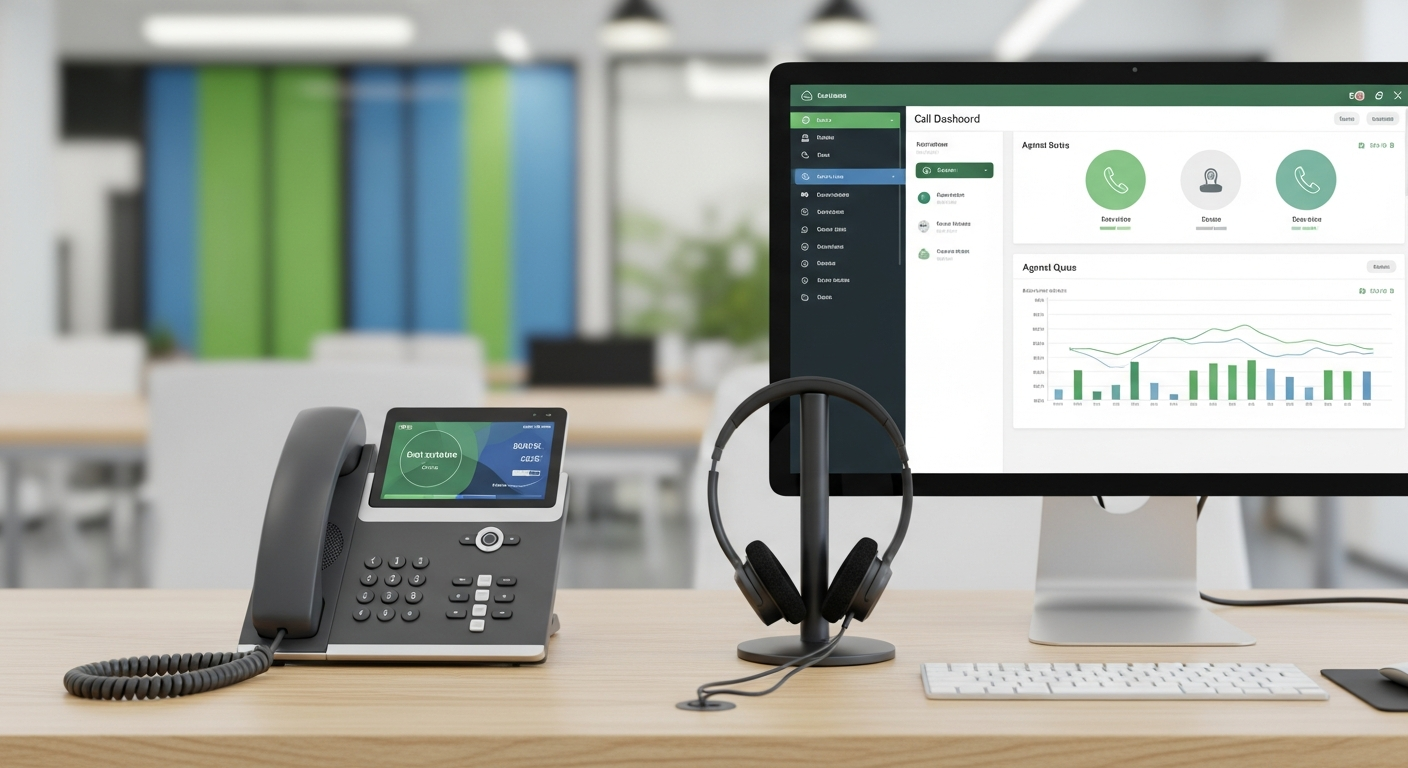
Call routing is not a set-it-and-forget-it configuration. Use your phone system's analytics to monitor call volume by location, missed call rates, transfer patterns, and hold times. If one office consistently misses more calls than another, adjust staffing or routing rules.
For more on using call data to improve operations, read our article on how call recording and analytics improve intake.
The Goal
The ultimate goal of multi-office call routing is simple: make your firm feel like one firm, not several. When a client calls any of your numbers, they should reach a knowledgeable person quickly and never feel like they are being bounced around.
For a comprehensive look at phone systems for professional firms, visit our guide on business phone systems for professional services.