Why MFA Alone Isn't Enough
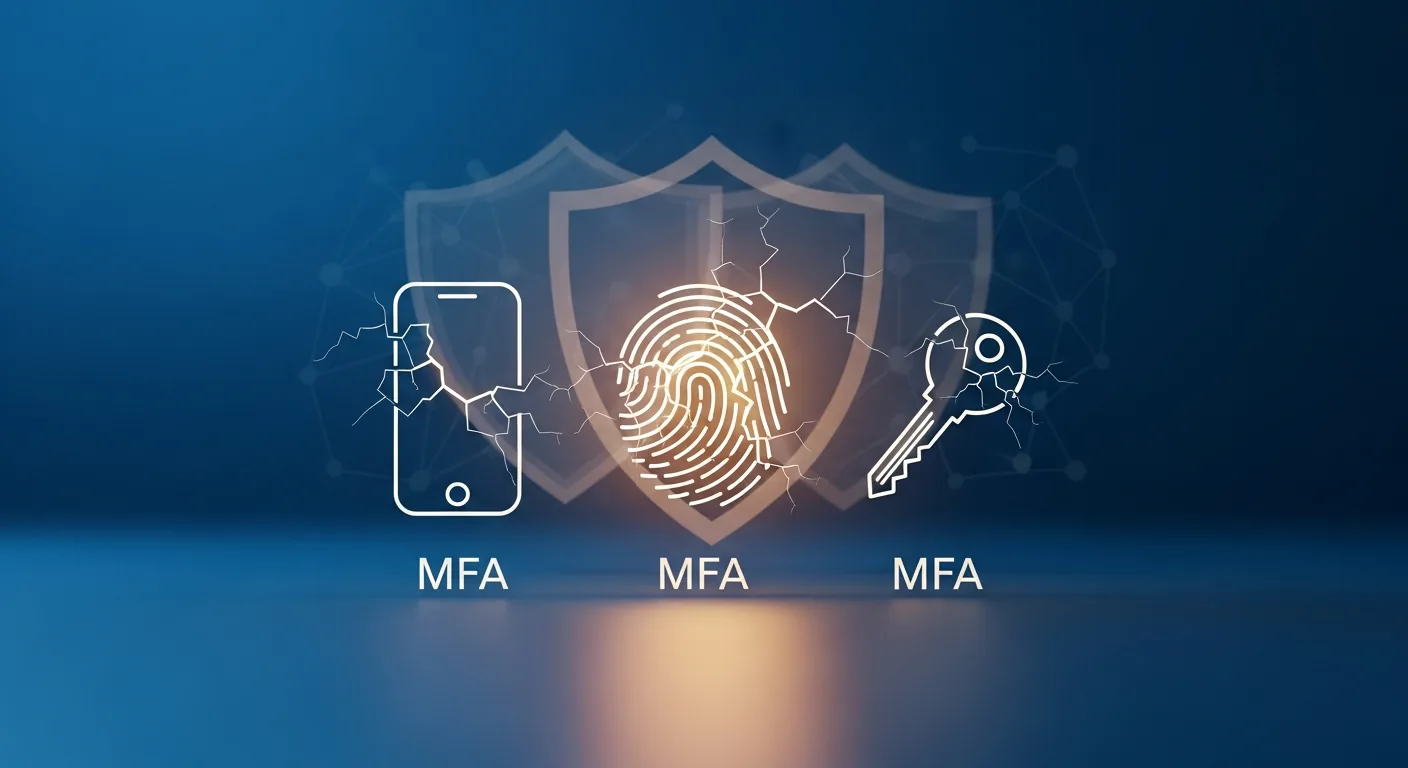
Multi-factor authentication is necessary, genuinely effective, and not enough. That's the whole thesis, so let's say it cleanly. MFA blocks the overwhelming majority of automated account attacks, every firm should have it on every system by Friday, and a motivated attacker who's targeting your firm specifically has at least five reliable ways around it. Security vendors sell MFA as a force field. It's a very good lock on the front door of a building that also has windows.
How attackers get past the second factor
**Prompt fatigue.** The attacker already has a password, usually from a breach dump or a phishing page. They trigger MFA push notifications over and over. At dinner, at midnight, during a client call, until the victim taps approve just to make the phone stop. It sounds too dumb to work. It's how attackers got into Uber in 2022.
**SIM swapping.** If your second factor arrives by text message, it's only as secure as your phone carrier's customer service. An attacker who convinces a support rep to move your number onto their SIM now receives your codes. This is a practiced, scripted crime, and it's the reason SMS sits at the bottom of the MFA hierarchy.
**The proxy login page.** Modern phishing kits sit between the victim and the real login screen, relaying everything in both directions. You type your password and your six-digit code into something that looks exactly like your portal, the kit passes them through, and the attacker keeps the authenticated session. Your MFA worked perfectly. So did the attack.
**Stolen sessions.** After you've authenticated, your browser holds a token that says "already verified." Malware on the machine can lift that token and reuse it. No password needed, no code needed, no alert raised.
**The help desk.** Somebody calls IT, or the office manager, claiming to be a partner with a new phone, locked out, filing deadline in an hour. Enough pressure and enough plausibility, and MFA gets reset for a stranger. The control is only as strong as the humans who are allowed to bypass it.
Not all second factors are equal
There's a hierarchy. Text-message codes at the bottom. Authenticator apps in the middle, solid against SIM swaps but still phishable through proxy pages. At the top, hardware keys and passkeys, which verify the website's actual identity and simply refuse to authenticate to an impostor. For the accounts that matter most, meaning email, practice management, and anything financial, that top tier is worth the small hassle.
Rolling this out across a firm without a mutiny, deciding which factors go where, coaxing the legacy systems along, is honestly most of the work. It's the exact job our multi-factor authentication service does for firms that would rather not figure it out solo.
The paperwork reason, if the security reason isn't enough
Cyber insurers now ask not only whether you have MFA but which kind and on which systems, and some have started rejecting SMS codes outright for remote access. Corporate clients send security questionnaires that ask the same thing. Answer wrong, or answer optimistically, and the consequences show up at the worst moment: a denied claim, a lost engagement, an awkward renewal call. The gap between "we have MFA" and "we have MFA everywhere, and it's the phishing-resistant kind where it counts" has become a gap other people check.
What belongs on top of MFA
**Rules about context.** Modern identity platforms can decline logins from countries you've never operated in, demand fresh verification from unknown devices, and lock the sensitive apps to managed machines. Conditional access, in vendor language. Guardrails, in practice.
**Something watching the endpoints.** MFA guards the login and says nothing about what happens after it, or about the malware quietly reading session tokens off a partner's laptop. Endpoint detection and response watches machine behavior and cuts a compromised device off the network before things spread.
**A defended inbox.** Nearly every MFA bypass starts with a phishing message, which means email filtering decides how often your second factor gets tested at all. Our piece on phishing and ransomware protection covers what that filtering should include.
**Eyes on the logs.** Signals like an impossible-travel login, a rain of failed attempts followed by one success, or a new mailbox rule forwarding everything externally all show up in logs long before they show up as damage. But only if something, or someone, is reading the logs.
**People who know the tricks.** A staff member who's heard of prompt fatigue won't approve a midnight push. A help desk with a firm callback procedure won't reset MFA for a voice on the phone. That's security culture doing quiet work.
The layered picture
Think of it as compensation. If a phishing page slips past the filter, a hardware key refuses to authenticate to it. If a session token gets stolen anyway, EDR flags the strange behavior on the machine. If everything technical misses, a trained human reports the weird prompt and the log review catches the login from two continents away. No single layer deserves your trust. The stack does.
A sensible order of operations
Audit what MFA you actually have, because firms are routinely surprised to find whole systems still on password-only. Upgrade the factors on your crown-jewel accounts to phishing-resistant ones. Turn on conditional access if your platform offers it. Put EDR on every machine. Then teach everyone what a fatigue attack feels like, because the phone in their pocket is part of your perimeter now.
Our cybersecurity checklist for firms slots these steps in alongside everything else in priority order, and the full argument lives in our cybersecurity guide for firms. MFA first. Never MFA only.