A Practical Cybersecurity Checklist for Professional Firms
A cybersecurity checklist for professional firms only works if it's short enough to finish. The 200-item frameworks are written for companies with a security team to feed them. This one's written for a firm of five to fifty people that handles sensitive client data and wants the highest-impact controls done first. Work it top to bottom. The order is the point: each section buys more protection per hour than the one below it.
Logins and access
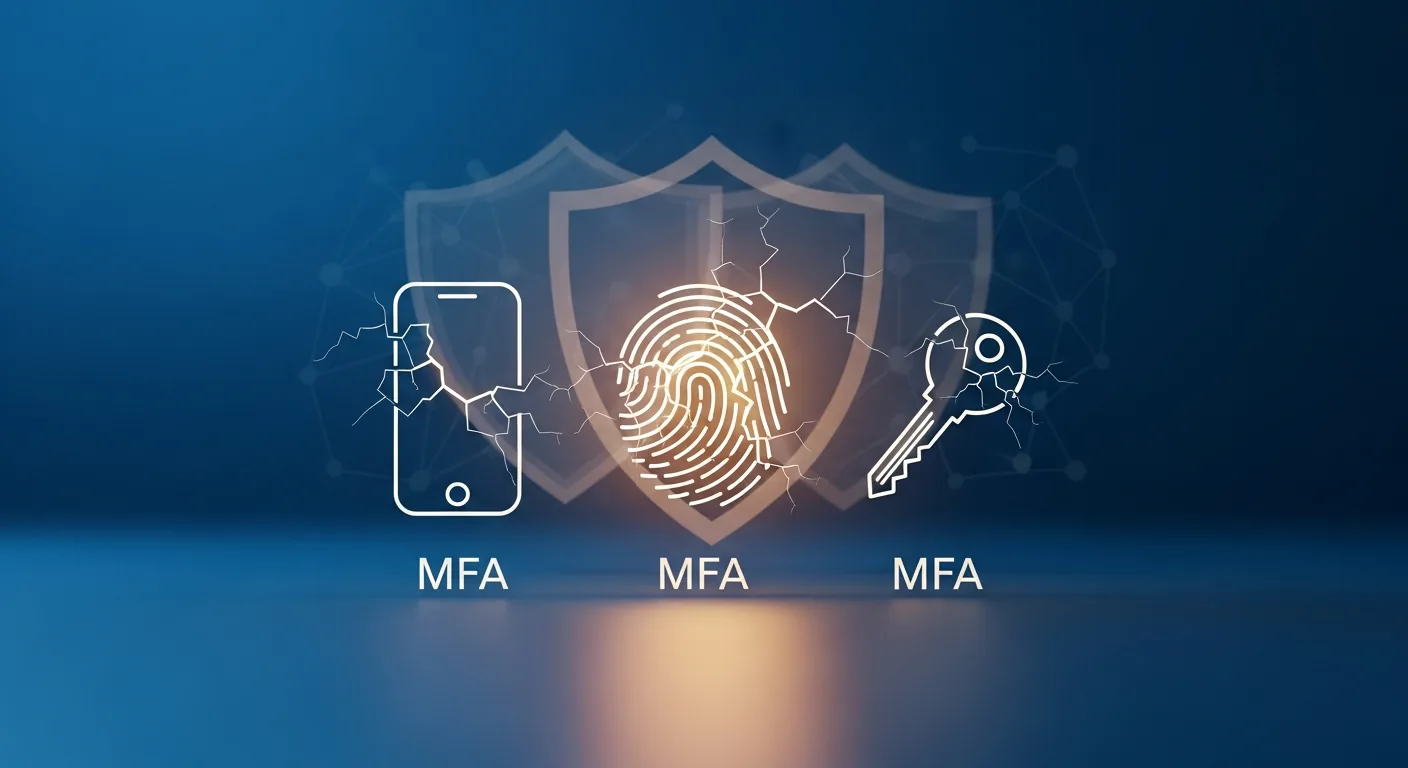
MFA on every system that touches client data. Email, practice management, cloud storage, remote access, the tax or document platform. No exceptions, including partners. Then remember that MFA has known workarounds and keep moving down the list anyway.
Every person gets their own account. Shared logins make it impossible to know who did what, which matters enormously on exactly the day you need to know.
Passwords come from a password manager, long and unique per system. That's the tool that makes good password policy survivable for actual humans.
Admin rights live in separate accounts used only for admin work. The account that reads email all day shouldn't be able to reconfigure the firm.
And when someone leaves, every account dies the same day. Not Friday. The same day.
Filtering that goes past spam: link checking, attachment sandboxing, impersonation detection.
SPF, DKIM, and DMARC configured on your domain, so criminals can't send mail that appears to come from your firm. Most small firms have never checked this. It takes an afternoon.
A visible banner on external mail, so a message pretending to be the managing partner announces itself as coming from outside.
And one standing rule: money never moves, and payment details never change, on the strength of an email alone. Someone picks up the phone and verifies, on a number the firm already had.
That last item sounds paranoid until you meet the case that proves it. Barbara Corcoran, the Shark Tank investor, nearly lost $388,700 when her bookkeeper wired the money against a fake invoice. The email came from an address one letter off from her assistant's. The invoice looked like a routine real estate renovation payment. And every question the bookkeeper emailed back went straight to the scammer, who answered promptly and plausibly. The fraud surfaced only because the bookkeeper happened to CC the real assistant on a follow-up, and the real assistant had no idea what anyone was talking about. One CC. That was the entire distance between a scare and a $388,700 hole.
Notice what failed and what didn't. Spam filters never had a chance; the email was clean, polite, and correctly formatted. The missing control was a callback habit, plus a phone setup that makes verifying a five-second reflex instead of a chore. It's an underrated argument for choosing a business phone system deliberately: the security control of last resort is a human dialing a number they trust.
Devices
Endpoint detection and response on every machine, replacing bare antivirus. EDR watches behavior and can isolate a laptop the moment it starts encrypting files it has no business touching.
Full-disk encryption on everything portable. BitLocker on Windows, FileVault on Mac. Free, built in, and the difference between losing a laptop and reporting a breach.
Automatic updates on wherever they're offered, and critical patches applied in days.
Phones and tablets that touch firm data enrolled in device management, so a lost phone can be wiped from a desk chair.
Network
A real firewall, configured by someone who knew what they were doing, not left on the ISP defaults.
Guest Wi-Fi fully separated from the network where client files live. Visitors, personal phones, and the smart thermostat don't belong next to the file server.
Remote connections through a VPN or zero trust gateway. Nobody reaches the practice management system raw from hotel Wi-Fi.
Data
Know what you hold and where it lives. You can't protect a folder you forgot exists, and old data is a liability with no offsetting revenue.
Encrypt sensitive data where it sits and as it moves.
Backups on the 3-2-1 pattern: three copies, two kinds of storage, one somewhere else, with at least one copy that ransomware holding admin credentials still can't delete. Restore-test quarterly.
Retention periods defined and enforced, with secure disposal when they expire. The full treatment is in our piece on data retention, access control, and encryption.
People
Short security training quarterly, built on the scams your firm actually receives. Twenty minutes, real examples, no slideware marathon.
Phishing simulations that test reflexes without shaming anyone.
A reporting path everyone knows, where "I think I clicked something" gets treated as a good catch instead of a confession.
The bad day
A written breach response plan with names, phone numbers, and the first five moves.
A printed contact sheet stored away from the systems that might be encrypted: IT provider, the insurer's claims line, legal counsel, a forensics firm.
One tabletop run-through a year. An hour in a conference room walking a pretend ransomware Tuesday finds the plan's holes while they're still free.
Finding what the checklist missed
Checklists catch the known items. They don't catch the forgotten server, the remote desktop port open to the internet, or the software version with a public exploit. That's what a vulnerability assessment is for: someone scans your environment the way an attacker would and hands you the punch list. Once a year is a sensible rhythm for a small firm, plus after any big change.
How to actually use this
Don't laminate it. Date it. Assign every unchecked item a person and a month, starting from the top, because logins and email are where the real attacks arrive. A firm that finishes the first two sections has done more for its risk than a firm that bought three appliances and skipped them.
The wider context for every item here, and the reasoning behind the order, lives in our cybersecurity guide for firms.