What a Law Firm Should Expect From Its IT Support
IT support for law firms has a floor, and the bar association poured it. Model Rule 1.1 expects lawyers to understand the technology they practice with, and Rule 1.6 expects reasonable efforts to keep client information confidential. So the firm whose entire IT arrangement is a guy who fixed the printer last year isn't running lean. It's running exposed, in a profession where exposure comes with a disciplinary process attached.
That sounds dramatic. It isn't. Attorneys have been disciplined over lost client data and unsecured communications, and state bars keep publishing opinions that say, in increasingly plain language, that you're responsible for the technology decisions made on your behalf. Your IT provider is how you meet an ethical obligation. That should change how you shop for one.
The ethics rules quietly redefined the job
For most businesses, IT support is a cost decision. For a law firm it's partly a competence decision, because the comment to Rule 1.1 says staying current on the benefits and risks of relevant technology is part of being competent at all. You don't need to become a network engineer. You do need to be able to answer, without guessing, where client files live, who can reach them, and what protects them.
If your current provider can't help you answer those three questions in plain English, they're maintaining computers. They're not supporting a law practice. The difference matters exactly once, and then it matters enormously.
Where the client files actually live
A law firm generates paper the way other businesses generate email. Pleadings, contracts, discovery, correspondence, seventeen versions of the same agreement. A proper document management system gives you version control, access restrictions by matter, audit trails, and a way to share securely with clients and co-counsel.
What most small firms have instead is documents scattered across Outlook attachments, desktop folders, and a shared drive organized by whoever set it up in 2016. That's not a filing problem. It's a confidentiality problem, because you can't restrict access to documents you can't locate, and you can't produce an audit trail from a folder called "Misc."
Your IT support should be able to set up, maintain, and enforce a single system of record for matter documents. If they've never done it for a law firm before, the learning curve happens on your matters.
Email carries the money, so email carries the risk
Email is still how most legal work moves, and it's also where most attacks arrive. Wire instructions for closings. Settlement details. Trust account activity. The scam where a fraudster watches a transaction unfold over compromised email and then sends "updated" wiring instructions at the last moment has cost buyers and firms dearly, and it works because the email looks exactly right.
So the requirements are specific. Encryption for sensitive client communication that an attorney can actually use without calling for help. Advanced threat filtering in front of every mailbox. And a firm-wide rule, enforced by habit rather than software, that wire instructions get verified by phone at a known number. Every time. No exceptions for partners in a hurry, because partners in a hurry are precisely who the scam is built for.
Watching for trouble beats reacting to it
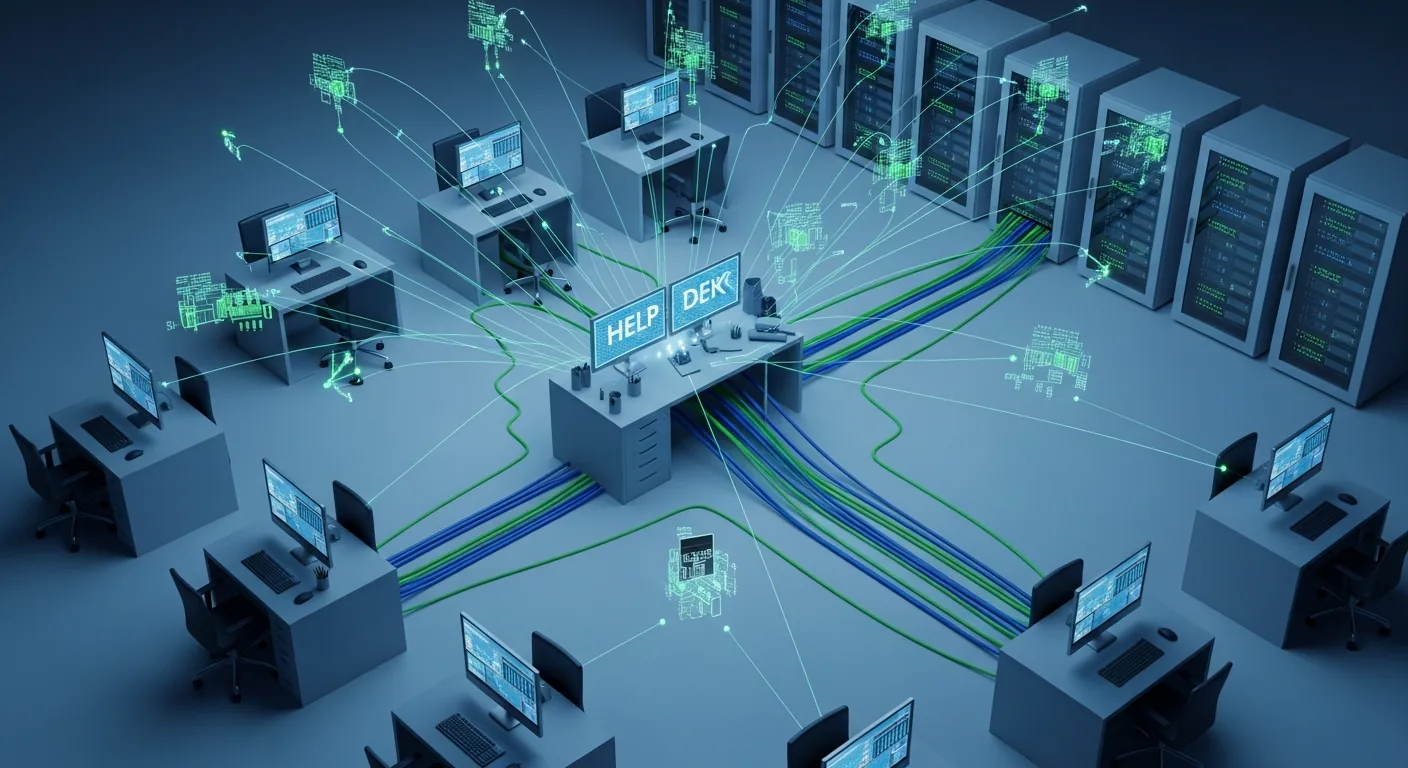
Break-fix IT support, where someone shows up after things fall over, is the most expensive kind you can buy. You pay in downtime, in missed deadlines, and occasionally in a malpractice carrier's premium increase. The alternative is monitoring: someone watching your systems around the clock, catching the failing drive and the suspicious login at 2am, before either becomes a Tuesday morning crisis.
This is one of the few areas where the economics favor small firms, because threat monitoring is bought as a service now, not built as a department. A six-attorney firm can have the same eyes-on-glass coverage a big firm staffs internally, for a monthly fee that costs less than one billable day. Ask any prospective provider what they'd notice at 2am. If the honest answer is nothing, keep looking.
Remote work without the improvisation
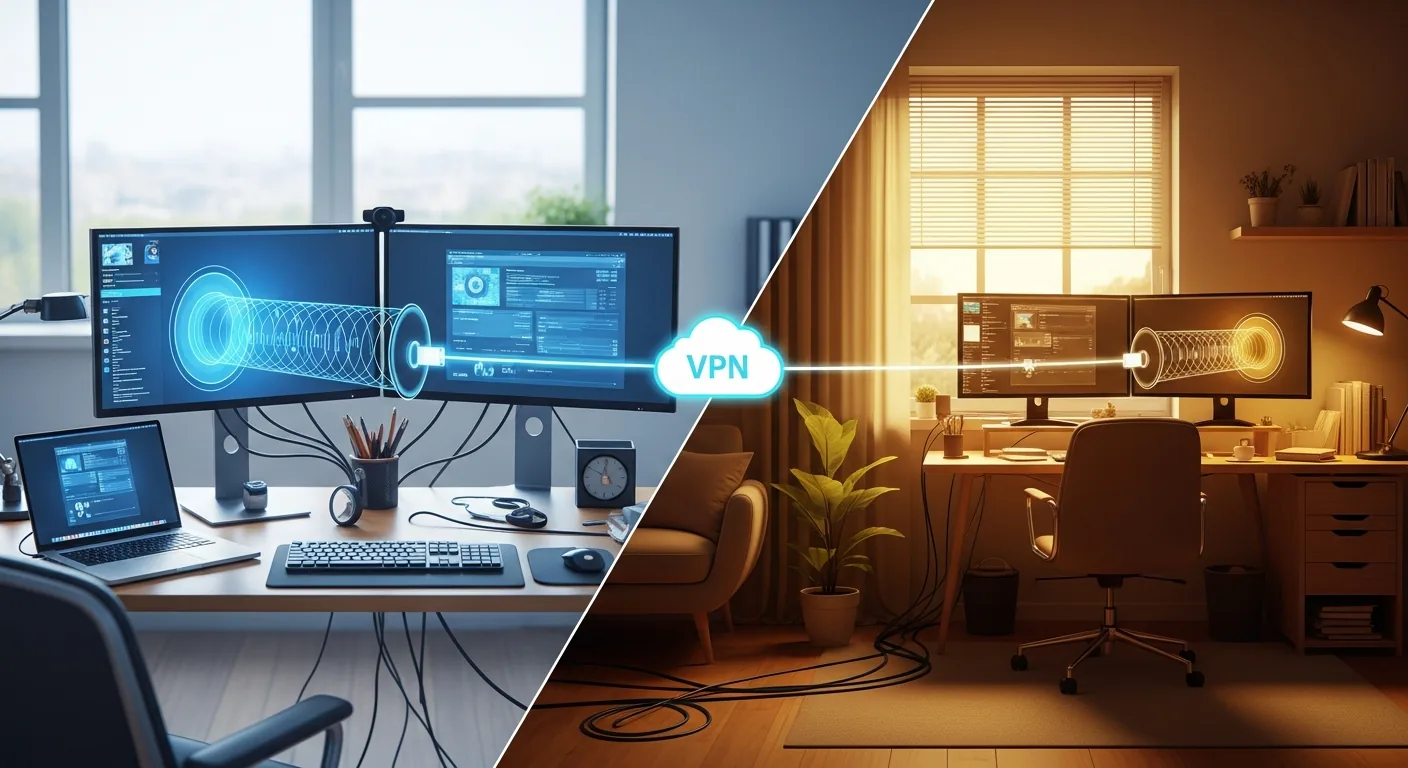
Attorneys work from courthouses, kitchen tables, hotel lobbies, and the occasional deposition war room. Every one of those locations is now part of your firm's security perimeter, whether you planned it that way or not.
The pieces that make this safe are well established. One identity system with single sign-on, so one login gets an attorney into everything and one deactivation shuts a departure out of everything. Multi-factor authentication on every account, no exceptions and no grumbling. Device management on every laptop and phone that touches client data, so the machine left in a cab tonight can be wiped remotely before breakfast. None of this is exotic anymore. What's exotic is a firm that has all of it configured correctly, which is where a provider who knows legal practice earns their fee. The hybrid work IT setup piece goes deeper on getting this right across locations.
Backups, with an asterisk the size of a case file
Losing a case file isn't an inconvenience you absorb. It can prejudice a client's matter, and it lands squarely on the confidentiality and competence obligations discussed above. So the backup standard for a law firm is higher than "we have backups." Multiple copies, at least one offsite, restores tested on a schedule, and a known answer to the question of how long a full recovery takes. Write that answer down somewhere a human can find it during a bad morning, because a recovery plan that lives in one engineer's head is a single point of failure with a commute.
Add one legal-specific wrinkle: litigation holds. When preservation obligations attach, your systems need to actually preserve, which means your IT support needs to understand what a hold is and how to implement one without freezing the whole firm. That's a conversation to have before you need it.
Help that respects the billable hour
An attorney waiting on a password reset is revenue standing still. Fifteen minutes of downtime across eight timekeepers, a few times a week, quietly becomes real money by year end. So response time isn't a soft metric for a law firm. Get commitments in writing: minutes for critical issues, a clear escalation path, and a human being reachable during trial prep, not a ticket portal that promises a response within two business days. Ask, too, who answers on a holiday weekend and who answers the night before a filing deadline. Those are different questions, and only one of them appears in the sales deck.
Choosing someone who's done this before
The shortlist questions are simple. Which legal platforms do you support today, and for how many firms? Clio, MyCase, NetDocuments, iManage, whichever your practice runs on, they should know it cold. Can they give references from firms your size? Do they understand why a litigation hold is different from a backup? And are they big enough to cover you during a crisis but small enough that you're a client rather than an account number?
If the honest answer to most of those is no, the good news is that switching providers is a project, not a catastrophe. And if you're rethinking the whole toolset while you're at it, the piece on building a technology stack covers how the parts should fit together before you commit to any of them.
Modern legal practice runs on infrastructure the same way it runs on precedent, and pretending otherwise just concentrates the risk. For the full playbook on managing all of it, start with our guide to IT management for firms.