The Best Office IT Setup for Secure Hybrid Work
A secure hybrid work setup rests on four things: cloud-hosted applications, one identity system with multi-factor authentication on everything, devices you can manage from a distance, and an office network built on purpose. That's the whole architecture. Everything else is furniture. Firms get into trouble with hybrid work by treating it as an exception to bolt onto an office-centric setup, when the honest move is to admit the office network stopped being the only network years ago and design accordingly.
Partners work from home on Fridays. Associates connect from client sites. Someone is always in a cafe. Every one of those locations is part of your firm now. Here's how to make that fact safe instead of scary.
Get the applications out of the closet
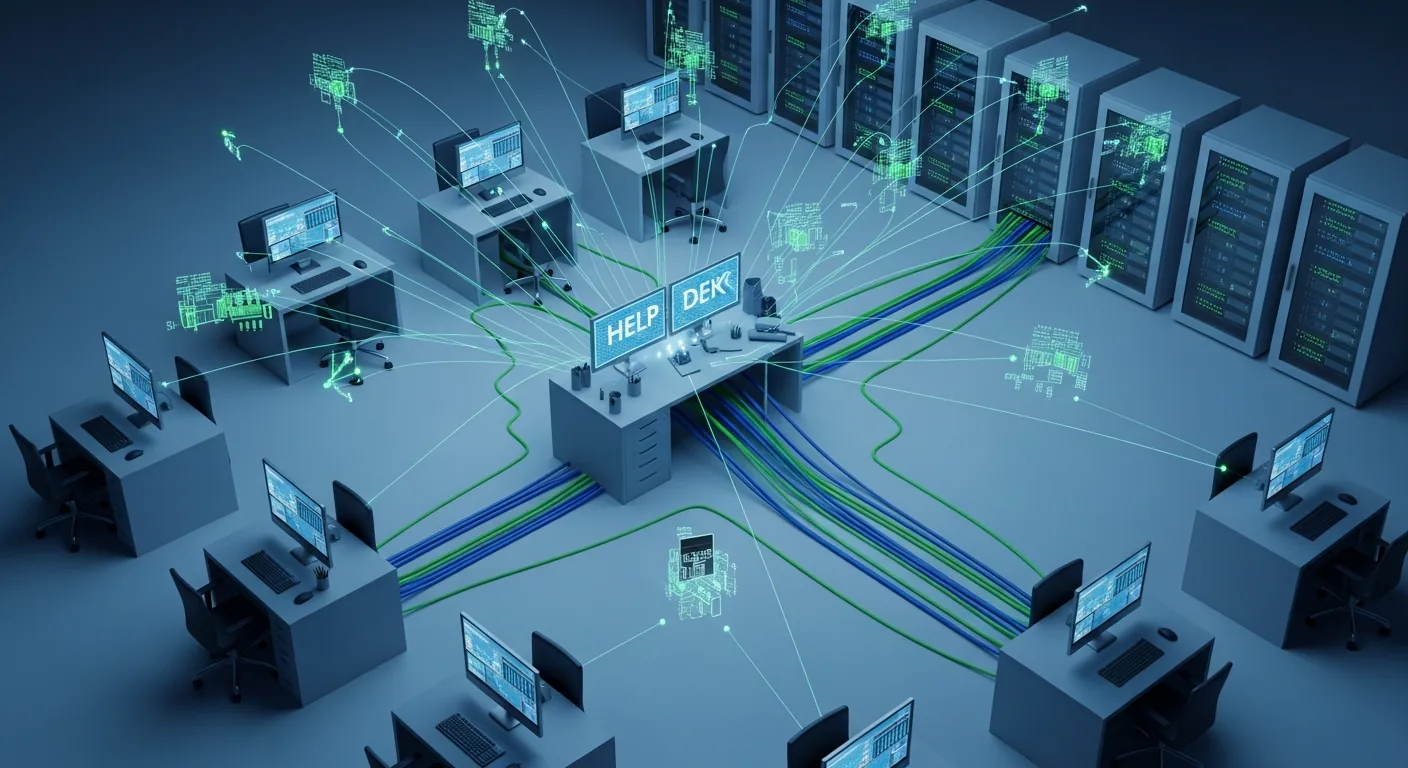
If your critical software still runs on a server in a closet, hybrid work will always feel like swimming upstream. A local server means remote people tunnel into the office for everything, which adds friction, latency, and a single point of failure humming next to the water heater. When it goes down at 7pm, nobody's working from anywhere.
Cloud-hosted practice management, documents, email, and collaboration change the shape of the problem. The application is equally close to everyone. The vendor patches it, backs it up, and keeps it running with redundancy no small firm could afford to build. This is the single highest-impact move for hybrid work, and conveniently, it's also the least glamorous. Some hardware stays local, printers and network gear mostly, but the work itself should live where everyone can reach it.
The objection is always the migration, and the objection isn't wrong. Moving a decade of files and a temperamental software install to hosted versions is a real project with real cost. But it's a project with an end date. The closet server is a subscription to the same problem forever.
The office network still has to be built like it matters
A common mistake is concluding that the cloud made the office network unimportant. The opposite. It's now the front door for your busiest location, and it needs to handle a Tuesday when everyone shows up and a Thursday when nobody does.
Business-grade WiFi, not the router the internet company left behind. Enough bandwidth for the video-call load on your fullest day, because averages lie and Wednesdays don't. A firewall that's current, configured, and actually updated, rather than installed once and admired from a distance.
And segmentation, which is the piece small offices skip most often. Guests on their own network, never yours. The smart TV, the cameras, the thermostat, on their own segment too, because those devices get compromised first and a flat network turns any of them into a hallway to your client files. Getting this right is a design exercise, not a shopping trip, and it's exactly what secure network design exists to do: build the office network deliberately so one weak device can't reach everything you care about.
One identity, every door
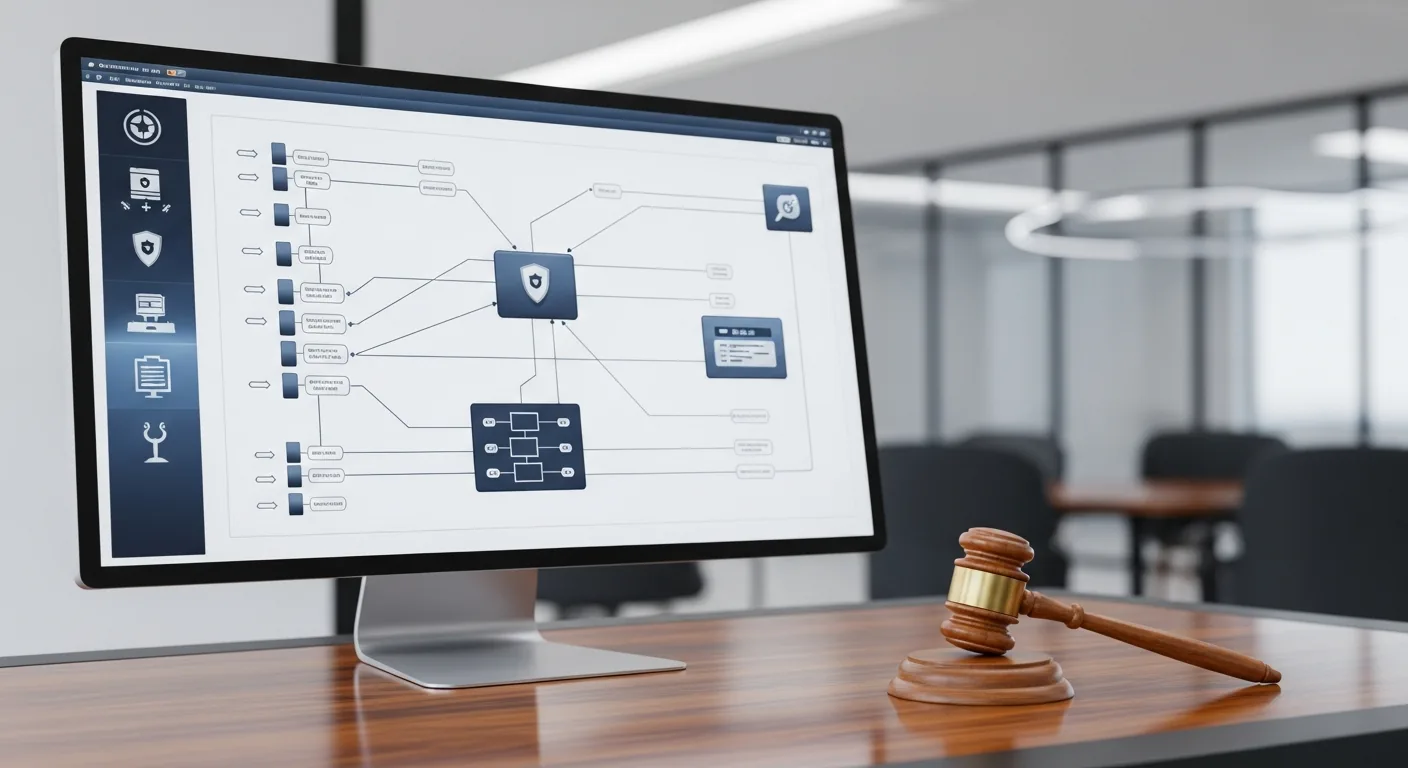
Hybrid security lives or dies on identity. The setup you want is a single identity provider, Microsoft Entra or Google Workspace for most firms, with single sign-on across every application the firm uses. One login opens everything an employee needs. And, just as important, one deactivation closes everything when they leave, the same afternoon, without a scavenger hunt across eleven separate admin panels.
Multi-factor authentication goes on every account. Every one. The partner who finds it annoying is precisely the account an attacker wants most, because that's where the money moves and the approvals happen. This one control blocks the bulk of account-takeover attempts and costs almost nothing. There's no version of this article where it's optional.
Devices you can reach from a distance
Every laptop and phone touching firm data needs to be enrolled in device management. That gives you enforced encryption, pushed updates, and the ability to wipe the machine that gets left in an airport on the first travel day after busy season. Which happens. Tired people forget bags.
If people use personal devices, keep firm data in a managed container that you can remove without touching their photos. What you can't accept is the unmanaged laptop, the family computer with a shared login and a browser full of saved passwords, holding client documents. That single machine can undo everything else on this page.
Enrollment takes minutes per device. Do it the day the laptop is issued, because retrofitting management onto a fleet of established personal habits is a much harder sell, and someone will take it personally.
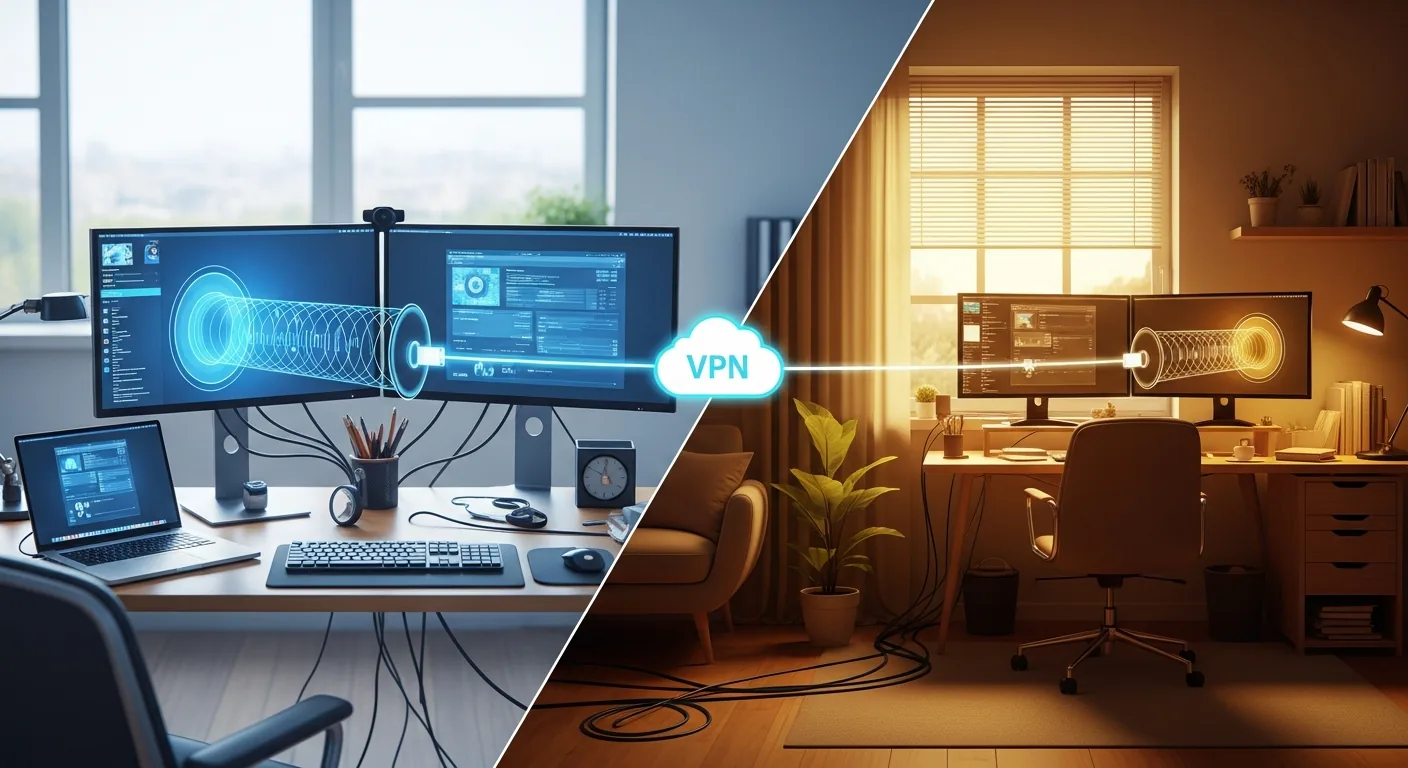
The home office is part of your perimeter now
You can't manage an employee's home router. You can raise the odds in your favor. Give people a short, specific checklist: change the router's default password, turn on WPA3 or at least WPA2 encryption, update the firmware once in a while. Some firms buy each remote worker decent networking gear, which is cheap insurance considering what travels over it.
Printing deserves its own sentence. A client's tax return sitting in a home printer tray is a data exposure with a paper feed, so decide what's printable outside the office and say so in writing.
Meetings that don't open with an apology
Every firm knows the hybrid meeting that starts with five minutes of "can you hear us now." It reads as a small annoyance. Across a year of client meetings it's a professionalism tax you're paying in front of the people who sign your invoices.
The fix is unexciting: proper cameras, microphones, and speakers in each meeting room, tied into whichever platform you already use, so joining is one touch. Then the cultural half, which matters more than the hardware: decisions go in shared channels, not hallways. If the people at home consistently learn things later than the people in the room, you don't have a hybrid firm. You have a headquarters with spectators.
What the office becomes
With the infrastructure sorted, the office turns into a collaboration space rather than the place the files live. That changes the equipment list. Docking stations and monitors at shared desks, so anyone can sit down and be productive in two minutes. Plenty of power in the meeting rooms. A client-facing area with WiFi that works and a screen that connects on the first try, because clients still visit, and the firm whose conference room technology fumbles is telling them something it doesn't mean to say.
Making it real
If you're starting from a closet server and a flat network, don't try to do this in one heroic weekend. Sequence it: applications to the cloud first, then identity and MFA, then device management, then the office network rebuild. Each step pays for itself independently, and the order matters less than the momentum.
Two companion pieces will help you plan. The technology stack guide covers choosing the applications this infrastructure carries, and the IT checklist for growing firms turns all of this into questions you can answer in an afternoon. Law firms carrying confidentiality obligations into home offices should also read the piece on law firm IT support, because the ethics rules follow the laptop.
The best hybrid setup is the one your team stops noticing. Files open, calls connect, nobody thinks about where the server is. Getting there takes deliberate work up front. Staying there is covered in our guide to IT management for firms.