The Best Office IT Setup for Secure Hybrid Work
The Best Office IT Setup for Secure Hybrid Work
Hybrid work stopped being a temporary arrangement a long time ago. For professional services firms, it has become the default operating model. Partners work from home on Fridays. Associates connect from client sites. Staff split their weeks between the office and their home offices. This flexibility is great for recruiting and retention, but it creates real challenges for your IT infrastructure.
The problem is that most firms designed their technology for one scenario: everyone in the same office, on the same network, using the same equipment. When you spread that same team across multiple locations, the cracks show quickly. Files become hard to access. Security gaps appear. Communication gets fragmented. And IT support gets complicated.
Here is how to build an office IT setup that actually works for hybrid teams without sacrificing security or your sanity.
The Foundation: Cloud-First Infrastructure
If your firm is still running critical applications on a local server in a closet, the first step is acknowledging that this model does not support hybrid work well. Local servers create a dependency on physical presence. When your team needs to VPN into the office network to access files or applications, you are adding friction, latency, and potential security vulnerabilities.
Moving to cloud-based infrastructure is the single most impactful change a firm can make for hybrid work. Cloud-hosted practice management, document management, email, and collaboration tools are accessible from anywhere with an internet connection. They are maintained and updated by the vendor. And they typically include built-in redundancy and disaster recovery that would cost a fortune to replicate on-premises.
This does not mean you eliminate all on-premises equipment. You still need networking hardware, printers, and possibly some specialized equipment. But the core of your technology stack should live in the cloud.
Network Architecture for a Hybrid Office
Your office network needs to support a variable number of users. Some days, most of your team is in the office. Other days, the office is nearly empty. Your network should handle both scenarios gracefully.
**Business-grade WiFi.** Consumer-grade WiFi routers are not designed for professional use. Invest in enterprise access points that support the number of devices your team uses, including laptops, phones, tablets, and printers. Proper WiFi planning includes considering physical layout, interference sources, and bandwidth requirements.
**Network segmentation.** Not everything should be on the same network. Separate your guest WiFi from your internal network. If you have IoT devices (smart TVs, security cameras, smart thermostats), put them on their own network segment. This limits the damage if any single device is compromised.
**Adequate bandwidth.** Video conferencing, cloud applications, and file synchronization all require significant bandwidth. Evaluate your internet connection based on peak usage, not average usage. If your team experiences slowdowns during busy periods, your bandwidth may be insufficient. Consider redundant internet connections for reliability.
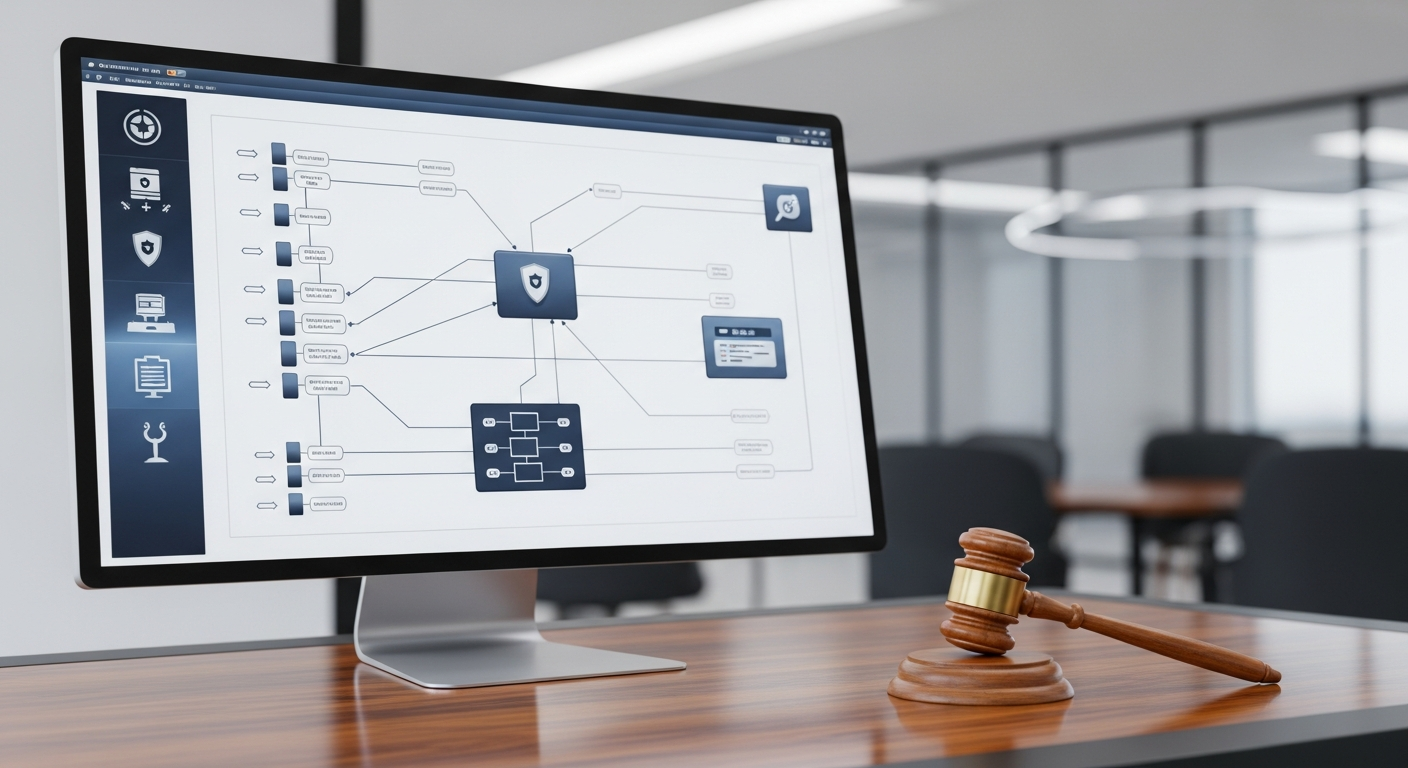
**Firewall and security appliances.** A properly configured next-generation firewall is essential. It should provide intrusion detection, content filtering, and VPN capabilities. This is not something to set up once and forget. Firewall rules and firmware need regular updates.
Remote Access Done Right
How your remote team members access firm resources matters enormously for both productivity and security.
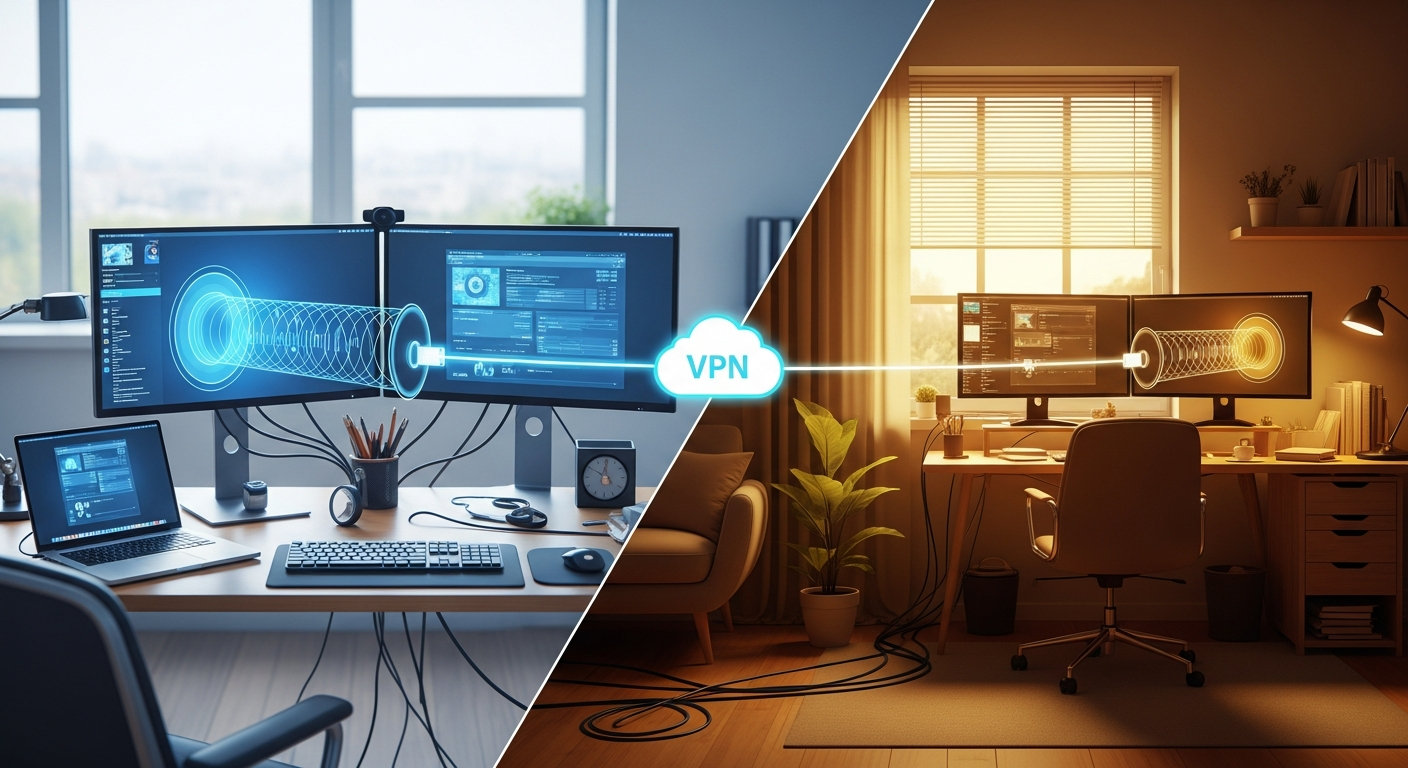
**VPN or zero-trust access.** Virtual Private Networks have been the standard for remote access, but zero-trust network access (ZTNA) is quickly becoming the preferred approach. Zero-trust models verify every connection request regardless of where it originates, providing stronger security than traditional VPNs. Whichever approach you choose, make sure it is easy for your team to use. If remote access is clunky or unreliable, people will find workarounds, and those workarounds will be less secure.
**Cloud identity and access management.** Use a centralized identity provider (like Microsoft Entra ID or Google Workspace) with single sign-on (SSO) for all firm applications. This means one login gets your team into everything they need, and when someone leaves the firm, one account deactivation cuts off all access. Pair this with multi-factor authentication on every account. No exceptions.
**Device management.** Whether your firm provides company-owned devices or allows personal devices, you need mobile device management (MDM) capabilities. MDM lets you enforce security policies, push updates, and remotely wipe data from lost or stolen devices. For firms that allow personal devices, containerization solutions keep firm data separate from personal data.
Meeting Room and Collaboration Technology
Hybrid meetings are notoriously awkward when the technology does not support them well. Remote participants struggle to hear, in-office participants forget the camera, and nobody can share their screen without a five-minute troubleshooting session.
Invest in meeting room technology that makes hybrid meetings seamless. This means quality cameras, microphones, and speakers in every conference room. Consider all-in-one video conferencing solutions that integrate with your collaboration platform (Teams, Zoom, or Google Meet). The goal is for joining a meeting to be a one-touch experience, not a technical challenge.
Make sure your collaboration platform is the default for all team communication, not just remote days. If in-office employees use hallway conversations and Slack while remote employees only have Slack, the remote team misses context. Establish norms that keep everyone on the same communication channels regardless of location.
Security Considerations for Hybrid Environments
Hybrid work expands your attack surface. Instead of securing one office network, you are now responsible for securing every location your team works from. Here are the key considerations:
**Home network security guidance.** You cannot control your employees' home networks, but you can provide guidance. Recommend that team members use WPA3 encryption, change default router passwords, and keep router firmware updated. Some firms provide a stipend for business-grade home networking equipment.
**Endpoint protection everywhere.** Every device that accesses firm data needs endpoint protection software, regardless of where it is used. This should be centrally managed so your IT team can monitor threats and push updates across all devices.
**Data loss prevention.** Implement policies that prevent sensitive data from being copied to personal devices, uploaded to unauthorized cloud services, or sent via unsecured channels. DLP tools can monitor and restrict data movement based on classification and context.
**Secure printing.** Printing at home introduces risks. Client documents sitting on a home printer are not secure. Consider implementing pull-printing solutions that require authentication before releasing print jobs, and establish policies about what can and cannot be printed outside the office.
For a deeper look at security practices, our guide to IT Management for Professional Firms covers the full spectrum of security considerations for firms of all sizes.
Physical Office Considerations
The physical office still matters in a hybrid model, but its role changes. It becomes a collaboration hub rather than a daily workspace for everyone.
**Hot-desking infrastructure.** If not everyone has a permanent desk, you need docking stations, monitors, and peripherals at shared workstations. Make it easy for anyone to sit down, plug in, and be productive within minutes.
**Power and charging.** Hybrid workers carry more devices. Ensure adequate power outlets and charging stations throughout the office, especially in meeting rooms and common areas.
**Visitor and client areas.** Professional services firms still meet with clients in person. Ensure client-facing areas have reliable WiFi, presentation capabilities, and a professional appearance that reflects your firm's standards.
Putting It All Together
The best hybrid IT setup is one your team barely notices. Everything just works, whether they are in the office, at home, or at a client site. Getting there requires intentional planning, the right tools, and ongoing management.
If you are evaluating your current technology foundation, IT Support for Accounting Firms and IT Support for Law Firms cover industry-specific considerations. And for a structured evaluation framework, our Simple IT Checklist for Growing Professional Firms is a practical starting point.
The firms that get hybrid IT right attract better talent, serve clients more responsively, and operate more efficiently. The investment in doing it properly is not optional. It is the cost of staying competitive.